


Yoga app no-code builder: How to launch without coding or hiring a developer
Updated March 25, 2026
Custom mobile app development costs $30,000 at the low end for a basic build, with medium-complexity apps running $50,000-$150,000+ and most projects taking 4 to 9 months before your first student ever logs in. For yoga instructors managing a growing audience across Instagram, scattered email lists, and Facebook groups, that price tag and timeline kill the idea of owning a branded app before it starts.
This guide breaks down how no-code app builders work for yoga instructors and wellness coaches. You will learn how to use drag-and-drop templates to build a branded yoga app in under 30 days, consolidate your tools into one place, and set up recurring revenue without writing a single line of code.
Why yoga instructors are moving away from custom app development
The core problem with custom development is not just cost. It is time, risk, and opportunity cost combined.
A medium-complexity mobile app, the kind that handles video content, subscriptions, and a community, costs $50,000-$150,000 with a timeline that stretches three to nine months before you can onboard a single paying student. During those months, your audience stays on Instagram and Facebook, platforms you do not control, where algorithm changes can cut your organic reach overnight.
The alternative most yoga instructors turn to is a generic web-first course platform. These platforms deliver content through a browser, but your students are on their phones. Without native app push notifications, you rely on email to bring people back to their practice, and email open rates are inconsistent. Your community gets pushed into a Facebook group you do not own, your payments flow through an unbranded checkout, and course completion rates suffer because the experience is fragmented across multiple tools.
The result is a business built entirely on rented land, where platforms can change their terms or fees at any moment.
What a no-code builder changes:
- Ownership: Your app, your subscriber list, and your content all sit on a platform you control
- Brand presence: Your students download your branded app from the App Store under your name
- Reach: Push notifications bring students back to their mat daily, not just when an algorithm cooperates
- Revenue: Subscriptions and one-time purchases run inside one platform instead of across three tools
This shift from tool sprawl to a unified, owned app is the turning point that creators in the Passion.io case studies library consistently describe when explaining how they moved from launch-spike revenue to predictable recurring income.
How a no-code yoga app builder actually works
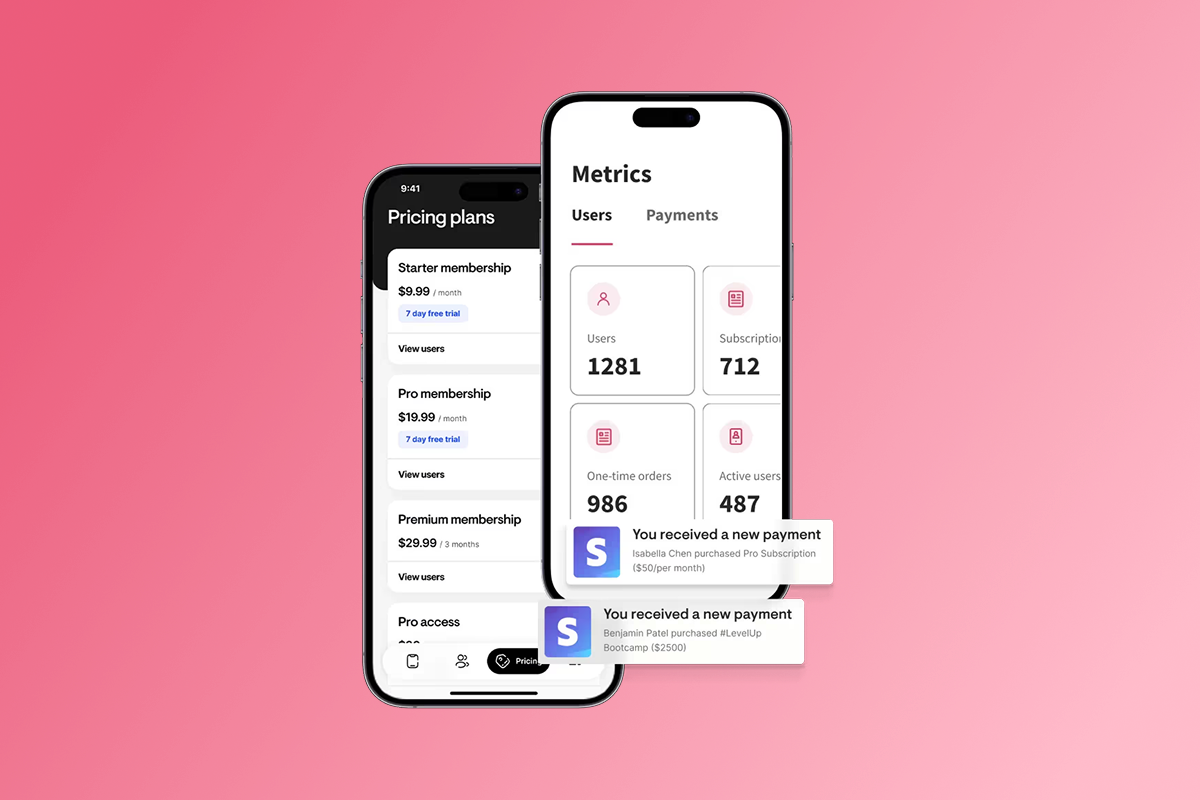
A true no-code builder is not just a content platform with a mobile skin. It gives you a real iOS and Android app published in the App Store and Google Play under your brand, without you touching a line of code. Passion.io is the no-code path covered in this guide because we built it specifically for creators and coaches who need branded mobile plus web apps, in-app community, push notifications, and subscription payments in one place. You can review the full Passion.io features overview to see what is included at each tier.
Drag-and-drop templates for class schedules and video libraries
Building your first app inside Passion.io starts with selecting a template and customizing it with your logo, brand colors, and fonts. You then drag your yoga video library into the builder, organized by program, difficulty level, style, or whatever structure fits your teaching method. Each lesson card holds video, audio, PDF downloads (pose guides, breath work sheets), and text notes, so your students get the full practice context in one screen.
"I have really enjoyed creating my passion app over the past year and half. I would not have been able to make my idea for an app come to life without the platform passion provides. The passion support team has also been extremely helpful." - FitWithBrit on Trustpilot
Integrating guided meditations, pose tutorials, and live streams
Once your video library is structured, you upload your guided meditation audios and pose tutorial PDFs directly into lesson cards. Students can download lessons for offline access so their morning practice does not depend on a Wi-Fi connection.
For live sessions, Passion.io connects to YouTube Live through a workaround: you create the live stream on YouTube, then share it inside your app, as explained in Passion.io's live streaming documentation. You can also share a Zoom link directly inside your app for live coaching calls. For connecting to external email platforms or customer relationship management (CRM) systems, Zapier integrations link Passion.io to hundreds of additional tools without any coding.
Setting up tiered subscriptions and pay-per-class monetization
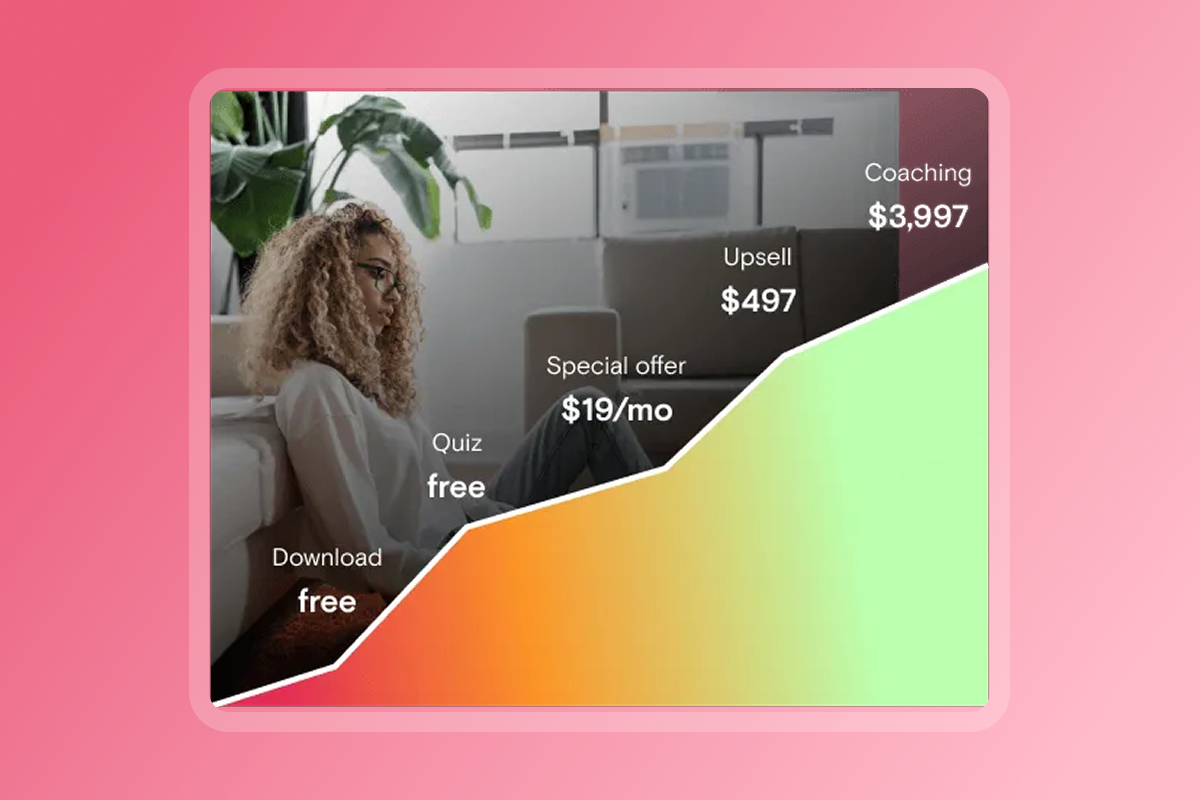
Passion.io supports multiple pricing structures within the same app, including monthly subscriptions, annual plans, one-time course purchases, freemium access, and bundles, as detailed in the complete Passion.io features guide. A common starting approach: one monthly plan at your base rate, one annual plan at a discount, and a premium bundle combining your video library with community access. This tiered setup gives students a clear upgrade path and gives you a mix of short-term and long-term recurring revenue.
The 30-day launch plan for your branded yoga app
Four weeks is a realistic target from a blank builder to a live app across iOS, Android, and web. Structure those weeks in sequence to hit each milestone without doubling back.
Week 1: Consolidate your yoga content and set pricing
A practical starting point is 10 core videos - your best-performing class recordings or a beginner series - plus any companion PDFs or audio files. Upload everything into your Passion.io course structure and organize it into a clear lesson sequence. On days 4 and 5, set your pricing tiers and open your developer accounts. The Apple Developer Program costs $99 per year, and a Google Play Developer account requires a $25 one-time registration fee. Both require payment method and identity verification documents. Opening these accounts early in the process avoids delays when you are ready to submit your app.
Week 2: Build your app layout and enable offline access
Use this week to finalize your home screen layout, navigation tabs, and branded color palette. Then enable offline downloads for your core lesson library so students can practice without an internet connection. The offline access feature is one of the clearest differentiators between a native app and a web course platform, and students who practice offline consistently complete more of the program.
Configure push notifications and in-app community
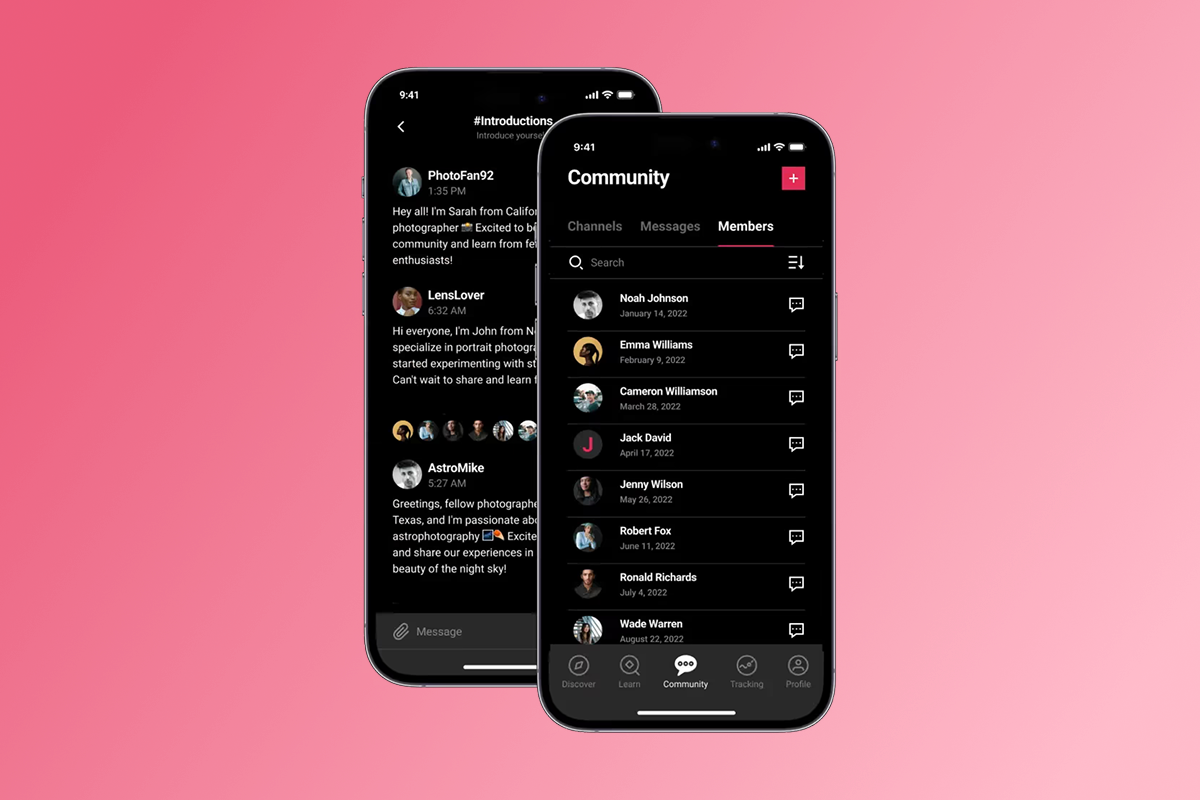
Set up your push notification cadence and your in-app community channels before launch. A twice-weekly schedule is a manageable starting point: one class reminder and one progress nudge. The community build guide walks through setting up discussion channels, polls, and announcement feeds. This week is also when you map out the onboarding flow for your first users, so your launch cohort has a clear path from app download to their first completed class.
"Easy, Friendly staff and lots of support... The customer support staff are very helpful and respond very fast, they helped me navigate the Apple/Google sites to get the app live which no hesitation." - Natalie Gidas on Trustpilot
Submit to the Apple App Store and Google Play Store
Submit your app to both stores with your screenshots, description, and metadata prepared. According to Apple's App Review data, 90% of submissions receive a decision within 24 hours, though apps flagged for additional review can take up to a week. Plan a 1-2 week buffer in case Apple or Google requests changes to your screenshots or copy.
Submission support varies by plan. The Expand and Plus tiers include Passion.io's team in the submission process. On Launch or Scale, you submit independently using Passion.io's documentation, and the ASO keyword tools guide plus 8 program launch tips are solid preparation resources.
Features that drive course completion and recurring revenue
Getting students into your app is the first win. Keeping them practicing daily and renewing their subscription is the 90-day goal.
Push notification cadences for daily mindfulness
Native app push notifications are a significantly stronger re-engagement tool than web push or email. While web platforms can technically send push messages, native iOS and Android push notifications deliver to your students' lock screens with far higher opt-in rates and reliability. A fitness creator case study documented by Passion.io ran a 30-day challenge with twice-weekly push notifications alongside an in-app accountability channel and saw a 22% jump in lesson completion in 9 weeks. For yoga instructors, consider push cadences such as morning class reminders, mid-week progress nudges, and weekend community prompts that drive conversation inside your app rather than on social media. Creators across niches report targeting a +15-30% improvement in lesson completion within 90 days of running a consistent push cadence alongside weekly challenges.
In-app yoga challenges and progress tracking
A 30-day yoga challenge inside your app can support retention goals. You set a drip schedule where new classes unlock on a set schedule, students track their streak inside the app, and you send push milestones at key points to reinforce progress. You can also issue completion certificates at the end of the challenge, which adds a tangible outcome that students share socially and that reinforces the value of renewing their subscription.
"I purchased Passion.io to build an app that was easy for me and my clients to utilize. The group onboarding training was super helpful to getting started on the right foot. I'm working my way through the Expert Unleashed challenge and can't wait to launch my app within the next 1-2 months!" - LAt CPA Firm on Trustpilot
Bundling courses with private community access
Combining your video library with a private in-app community reduces churn more effectively than adding more content alone. Students who participate in a community channel complete more classes because they feel accountable to peers, not just to themselves. Bundling community access with your premium subscription tier can give students a reason to stay at the higher price point and moves them entirely off a Facebook group you do not control into a space that is part of your branded app.
"I am blown away by how responsive the support team are, who hold you hand while also offering great marketing and skills advice as we go along... there is a great positive energy within the community of fellow Passion.io creators helping each other along. Please don't be skeptical, this is a genuine, exciting opportunity for you to develop your own app and get it out to market." - Jane Mullins on Trustpilot
Understanding the total cost of ownership for your app
Transparency on fees matters before you commit. Here is the full breakdown.
Passion.io annual plan pricing (confirmed via the Passion.io pricing guide):
- Launch: $99/month billed annually ($1,188/year) or $119/month
- Scale: $239/month billed annually ($2,868/year) or $299/month
- Expand: $599/month billed annually ($7,188/year) or $699/month
- Plus: Custom pricing for a done-for-you build and launch
You also pay one-time developer fees: $99 for the Apple Developer Program and $25 for a Google Play Developer account, totaling $124 in your first year.
Payment processing fee comparison:
Fee path notes:
- Web checkout via PassionPayments: The 3.9% platform fee plus Stripe's standard processing (~2.9% + $0.30) applies to all sales made through your web checkout, as detailed in the PassionPayments creator guide. The combined rate works out to approximately 6.8% plus a per-transaction cost, which is substantially lower than the IAP path for most price points.
- Apple IAP: The standard Apple commission is 30%, reduced to 15% under the Apple Small Business Program for developers earning under $1 million annually. Subscriptions also drop to 15% after the subscriber's first year.
- Google IAP: Google Play Store fees are currently 20% for new installs and 10% for recurring subscriptions.
- External checkouts: Passion.io charges 0% platform fee on sales processed outside PassionPayments via supported external methods, though your payment processor's own fees still apply.
The practical takeaway: route your core subscriptions and bundles through web checkout to keep total fees to the combined PassionPayments rate. Consider reserving IAP for in-app convenience purchases where one-tap buying may justify the higher fee.
For comparison, the first-year total on the Launch plan (including developer fees) runs approximately $1,312, against custom development costs starting at $30,000 and arriving months later. You can get started and try Passion.io on any plan.
"I am excited for being given a cost-effective way to create an app so Shift Your Life® teachings can reach more people to have the personal (body, mind, emotion, spirit) or entrepreneurial business transformation they desire." - Tracy Latz on Trustpilot
Ready to build your branded yoga app? Try Passion.io or book a demo to see the builder in action before you commit.
Frequently asked questions
How long does App Store approval take for a yoga app?
Apple reviews 90% of submissions within 24 hours according to Apple's App Review data. Plan a 1-2 week buffer for any metadata or screenshot revision requests. Google Play typically processes new apps within 24-72 hours.
What is the minimum first-year cost to launch a yoga app on Passion.io?
The Launch plan costs $99/month billed annually ($1,188/year), confirmed on the Passion.io pricing page. Add $124 for developer accounts ($99 Apple + $25 Google) in year one, bringing the first-year minimum to approximately $1,312, excluding payment processing fees.
Do I need to hire a developer for App Store submission?
No developer is needed. Passion.io includes submission support on Expand and Plus tiers. On Launch and Scale, you submit independently using Passion.io's documentation, with the support team available for specific questions along the way.
Can yoga students access my content without an internet connection?
Yes. Students can download lessons for offline access inside the native iOS or Android app. This applies to video lessons, audio files, and PDF downloads you include in each lesson card.
Key terminology
In-app purchases (IAP): Payments made directly inside the iOS or Android app, processed by Apple or Google rather than by Passion.io. Apple and Google retain 15-30% of each transaction depending on your annual revenue and whether the Apple Small Business Program rate applies to your account.
PassionPayments: Passion.io's Stripe-powered web checkout. It charges a 3.9% platform fee on each sale plus Stripe's standard processing fees (approximately 2.9% + $0.30), and it processes payments outside of Apple and Google's ecosystems so you avoid their commission rates on web sales.
Push notifications: Direct messages sent from your branded app to a student's phone lock screen, with no email address or social algorithm required to deliver them. Push notifications are native to iOS and Android apps and are a primary reason mobile app course completion rates consistently outperform web-only course platforms.
Drip content: A delivery schedule where new lessons or modules unlock on a set timeline rather than releasing all content at once. Drip content inside 30-day yoga challenges creates a daily habit loop and gives students a structured reason to return to the app throughout the program.
What is your completion rate target for your first 30-day yoga challenge? That number is the most direct anchor for building your push cadence and drip schedule before launch.

Build the business
behind what you know.
Turn your expertise into a branded app with courses, community, and the You AI Coach. Launch plan from $99/month.