


App Store Localization: Expand Your Reach With ASO
Updated March 12, 2026
If your app is only optimized for English keywords, you are leaving a significant share of the global app market untouched. A user in Brazil might want your fitness program, but they are not searching for "fitness coaching." They are searching for "treino." If you do not rank for "treino," they will not find your app. This guide is for online coaches and course creators who want more organic downloads without building new content from scratch. You will learn how to choose target markets, research keywords in other languages, execute the localization workflow, and manage everything inside Passion.io.
What is app store localization and why does it impact growth?
App store localization is the process of adapting your app's store listing - its title, subtitle, keyword field, description, and screenshots - for a specific country and language so it ranks in local search results. It is different from translation. Translation converts words. Localization adapts meaning, search behavior, and cultural context to match how real users in a specific market actually search.
You see a direct, measurable ASO impact because Apple and Google maintain separate search indexes for each country and language combination. As Sensor Tower's keyword localization research makes clear, your English (US) keywords do not help you rank in Spanish (Mexico) searches unless you specifically add a Spanish (Mexico) localization. Each App Store storefront is a distinct index. If your listing is not in that index, you do not show up.
Research documents consistent download lift from localization. Some apps reach 767% growth after localizing just the title and description. Even a conservative implementation, localizing the store listing only, gives you a 38% lift in organic installs compared to an English-only listing.
You gain a competitive arbitrage opportunity here. Most creators fight for the same high-volume English keywords. International markets - especially Tier 2 European markets - often show significant demand for your type of expertise with far less competition in local search results. That is the hidden growth lever. Before adding localization, review Passion.io's ASO fundamentals guide to nail your core metadata first.
How to choose the right countries for app localization
Pick one or two markets first. Run them for a test period, measure the install lift, then expand. Here is a tiered framework to guide that decision.
Tier 2 is the most underrated starting point. Countries like the Netherlands, Germany, Sweden, Denmark, and Austria all rank in the very high English proficiency band - 12 European countries hold that status, with the Netherlands topping the global index with a score of 74.74 out of 100. These users are comfortable consuming English content but search in their native language. You can localize the metadata without translating a single video lesson.
For volume, the data points toward LATAM and South Asia. According to AppTweak's download data by country, India leads globally, the US ranks second, and Brazil comes third - making Spanish (LATAM) and Portuguese (Brazil) two of the highest-reach localization targets. Europe drives 27% of app revenue worldwide, making Tier 2 markets attractive for revenue-per-user as well.
Practical first step: Check your existing analytics - web traffic, email list geography, or social insights. If you already have visitors from Germany or Brazil, that is confirmation of demand. Start where you have organic signal.
Step-by-step guide to localizing your app store listing (2-4 hours)
Materials needed: An ASO keyword tool (free options below), access to Apple App Store Connect and Google Play Console, a list of your top five English keywords, and optionally an AI writing tool for draft descriptions.
Step 1: Research local keywords - do not just translate (30-60 min)
Most creators make their first mistake here. A direct translation of "fitness coach" into Portuguese gives you "treinador de fitness," but local research often reveals that "treino em casa" (home workout) or "emagrecimento" (weight loss) carry far higher search volume in Brazil. Use these free tools to find how users actually search in their native language:
- AppTweak free keyword tool: Enter your niche and target country. AppTweak's free tool returns local search term variations with volume estimates.
- ASOMobile free suite: Includes Keyword Suggest, Text Analyzer, and a free keyword monitor for both App Store and Google Play.
- Mobile Action free tier: Tracks up to five keywords at a time with basic competitor analysis.
Passion.io's guide to five free ASO tools gives you a practical shortlist with usage instructions.
Step 2: Write your localized title, subtitle, and keyword field (20-30 min)
Your title (30 characters) and subtitle (30 characters) carry the most ranking weight in the App Store. Put your top keyword in title to capture the full ranking benefit - one clear, high-volume keyword beats two competing terms. For the 100-character keyword field, do not repeat words already in your title or subtitle because the algorithm already indexes those. Use that space to cover related search terms.
Importantly, keywords index within a single locale only, so your Spanish (Mexico) keywords must stand on their own, separate from your English (US) set. One useful side effect: adding a Spanish (Mexico) localization to your US App Store listing also surfaces those Spanish keywords for US-based Spanish speakers, expanding your keyword coverage in one market without a separate listing.
Step 3: Translate screenshot captions and description (30-45 min)
Your app interface can stay in English for now, but the value proposition text overlaid on your screenshots must be readable in the local language. Extract and translate any on-screen text, then have a native speaker review those few lines for cultural credibility. Passion.io's guide on custom screenshot submission covers the technical steps for Apple and Google.
For the description, use an AI writing tool (ChatGPT or Claude) for a first-pass translation, then have a native speaker review the first three lines. Those first 250 characters are what users see before tapping "more," so they carry the most conversion weight. According to Sensor Tower's ASO playbook, repeating your top keywords two to three times in the description may help increase your ability to rank for them. Passion.io's app description guide covers structure and keyword density for this step.
Apple's App Store Connect supports 39 language localizations natively, and Google Play supports 77 locales.
How to manage app localization using Passion.io
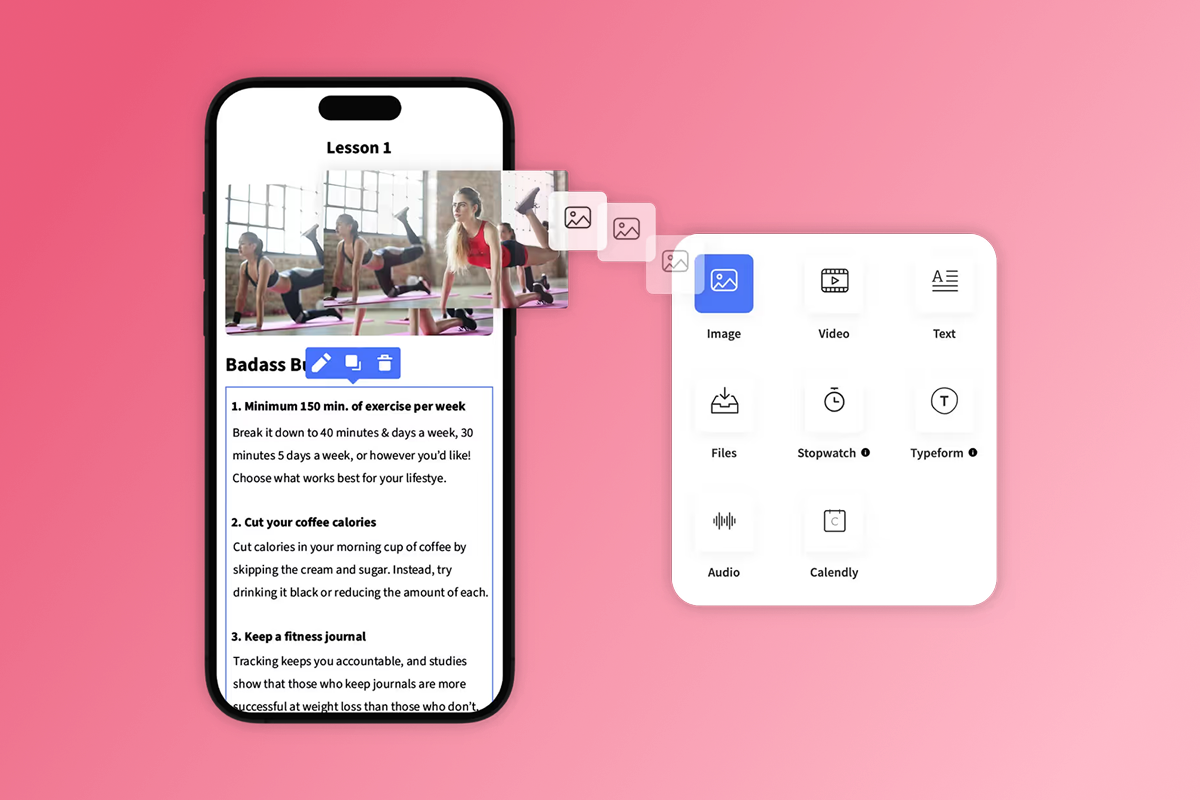
We built the Passion.io app builder to manage submissions to the Apple App Store, Google Play Store, and Progressive Web App from a single platform. You do not need separate codebases.
For in-app language settings, go to My App > Settings and scroll to the language section. Passion.io's language options for your app let you set the user-facing interface - buttons, navigation labels, and other elements - to match your target audience. Passion.io also gives you the option to say "Hola" and "Bonjour" to clients by adjusting these display settings per market. When a new user in Spain taps "Login" and sees "Iniciar sesión" instead, you send an immediate trust signal.
For app store metadata localization (title, keywords, description per country), you manage those text fields through Apple App Store Connect and Google Play Console directly. Passion.io handles the binary submission process, so your only task is entering the localized copy in the store dashboards. Passion.io's guide on setting up a different language walks through the full configuration.
For international pricing, Passion.io's guide on developer account pricing plans covers local currency setup. Before you scale into new markets, apply for the App Store Small Business Program to reduce Apple's IAP commission from 30% to 15% for apps earning under $1 million per year.
"Passion.io has given us the opportunity to create an app which would not have been possible without their daily guidance and support. We recommend passion.io for anyone looking to take their new or existing biz online." - Natasa and Angelina on Trustpilot
Common localization mistakes that hurt ASO rankings
Blind machine translation. When you run your English keywords through Google Translate and paste them directly into the keyword field, you make one of the most common errors. Adapt keywords, don't just translate - a word that translates correctly can still be a low-volume search term, while the actual high-traffic keyword is a regional idiom you would only find through tool research.
Ignoring cultural nuance in visuals. Using winter-themed screenshots for a December launch targeting Brazil (where December is summer) erodes trust. Localization should fit local cultural expectations, including seasonal references and color associations.
Localizing the listing without setting expectations inside. If your store listing is fully in Spanish but your course content is in English, you will see high installs followed by fast churn. You can fix this simply: add a line to the description like "App interface in Spanish. Course content in English with Spanish subtitles available." This reduces mismatched expectations and protects your behavioral metrics, which Apple and Google use as ranking signals. A mismatched listing drives churn and hurts long-term rankings.
Treating localization as a one-time task. Keyword search behavior in any market shifts over time. Build a quarterly review of your localized keyword rankings into your ASO calendar using the same free tools you used for initial research.
App store localization checklist
Use this before submitting a new language localization:
- Research top 5-10 local keywords using AppTweak or ASOMobile (not direct translations)
- Place the top keyword in the localized title (30 characters)
- Place the second keyword in the localized subtitle (30 characters)
- Fill the 100-character keyword field with non-overlapping terms
- Translate screenshot caption text (app interface can stay in English)
- Write or translate the description with top keywords repeated 2-3 times
- Have a native speaker review the first 250 characters of the description
- Add a note in the description if course content remains in English
- Set local currency pricing in your developer account
- Apply for Apple Small Business Program if not already done
- Schedule a 90-day keyword ranking review in your calendar
Ready to go global? Start this week.
Adding your first secondary language localization is an afternoon's work, not a weeks-long project. Pick your Tier 1 or Tier 2 target market, run keyword research with a free tool, write 160 characters of localized title and subtitle copy, and submit. You are not committing to translating your entire video library - you are testing whether demand exists in that market before investing further.
Book a demo and learn to configure your first secondary language today. If you are not yet on Passion.io, explore the app builder to see how creators launch in 4-8 weeks.
Frequently asked questions
FAQ: Does localizing an app store description help with rankings?
Yes. Apple and Google index metadata per language and region independently, so adding localized metadata creates new keyword rankings in that storefront. Even a basic native-language listing increases downloads by at least 38%, with higher lifts common when you base keyword choices on research rather than direct translation.
FAQ: Do I need to translate my videos to localize my app?
Not immediately. Start by localizing only the store listing (title, subtitle, keywords, description, screenshot captions). This captures organic search traffic from that market. You can add subtitles to your most popular lessons in a second phase once install data confirms demand.
FAQ: How much does app store localization cost on Passion.io?
Multi-language app support is included in Passion.io's subscription plans starting at $97-99/month. The main external costs are your Apple developer account ($99/year) and Google Play developer account ($25 one-time), both required regardless of whether you localize. Native speaker review of description copy is the main optional spend.
FAQ: Which language should I start with?
Spanish (LATAM) and Portuguese (Brazil) offer the highest download volume opportunity. German and French typically yield stronger revenue per user. If you have existing international web traffic or social followers, start with the language that aligns with where your audience already lives.
FAQ: Can I localize my listing without a developer?
Yes. Apple App Store Connect and Google Play Console both have built-in localization fields where you add translated metadata directly. Passion.io manages the app binary and submission process, so your only task is entering the localized text fields in the store dashboards. No code required.
Key terms glossary
Metadata: The text elements of your app store listing - specifically the title, subtitle, keyword field, and description. These fields are what Apple and Google index to determine which search queries your app ranks for in each country.
Localization (L10n): Adapting your app store listing (and optionally your in-app content) for a specific country or region. Localization goes beyond translation by accounting for local search behavior, cultural context, and regional terminology.
ASO (App Store Optimization): The process of improving your app's visibility in App Store and Google Play search results to increase organic (unpaid) downloads. Localization is one of the highest-ROI levers within a broader ASO strategy.
Keyword volume: A measure of how often users search for a specific term in a given app store and country. Higher volume means more potential traffic, though high-volume terms also tend to have more competition.

Build the business
behind what you know.
Turn your expertise into a branded app with courses, community, and the You AI Coach. Launch plan from $99/month.