


How to Get an Education App Approved on the Apple App Store
 By Julieta Gil
To get your education app approved on the Apple App Store, focus on meeting Apple's content, design, privacy, and monetization guidelines. Prepare your app thoroughly using a no-code builder like Passion.io, set up your Apple Developer Program account ($99/year), and configure your app in App Store Connect with complete metadata. Submit with clear review notes and respond promptly to feedback. Expect your web app live in weeks, with App Store submission underway by week 3-4. Our Expand and Plus plans offer dedicated submission support to help avoid common rejections and accelerate your launch.
You've built your education app. Your content is ready, your students are waiting, and your revenue model is set. But the Apple App Store submission process feels like a maze you're walking through blindfolded.
App Store approval is the final gate between you and your iOS audience, and one misstep can mean weeks of delays or outright rejection. For creators launching education apps, the process carries extra weight because you're dealing with student data, often from minors, plus content quality standards that Apple reviews carefully.
This guide walks you through the exact steps to get your education app approved quickly, highlights the specific requirements that trip up most creators, and shows how we streamline the technical complexity so you can focus on teaching.
Why App Store approval matters for your education business
When you launch your education app on the Apple App Store, you're not just adding a distribution channel. You're taking control of your audience and creating the mobile-first experience that drives completion and retention.
Owning your audience and revenue
Your branded app on the App Store means you control the customer relationship. No algorithm changes can throttle your reach overnight. No platform policy shift can lock you out of your community. Students download your branded app, and you reach them directly through push notifications whenever they need a nudge to complete the next lesson.
According to Apple's App Store guidelines, apps providing educational services must prioritize student safety. You cannot sell student information or use it for advertising. This privacy commitment builds trust with parents and educators.
Delivering a premium mobile experience
Students live on their phones. A true native app gives you offline content downloads, interactive quizzes with instant feedback, progress tracking that syncs across devices, and an interface designed specifically for touch. Our creators report higher engagement and completion rates after launching their branded apps, largely due to push-driven engagement and focused learning environments. One creator, Rob M., shared on G2:
"Passion makes building your own e-learning app fast, simple, and stress-free. With their no-code, drag-and-drop platform, I was able to design, build, and launch a fully functional app in just a few hours." Rob M. on G2
Understanding Apple's App Store review guidelines for education apps
Apple's App Store Review Guidelines cover five core areas for education apps: content quality, design standards, privacy and data security, monetization rules, and requirements for apps serving children. Focus your preparation on these five areas to avoid common rejections.
Key content and functionality requirements
Your app must be complete and fully functional at submission. Apple rejects apps with placeholder content, broken links, or features mentioned but not implemented. Every lesson, quiz, and video you describe must work.
For education apps, content quality matters. Apple's reviewers verify that your educational content aligns with learning objectives and contains no objectionable material. If your app includes user-generated content like forums or student assignments, implement moderation tools, a reporting mechanism, and user blocking per Guideline 1.2.
Your app should offer interactive elements, structured learning paths, or community features that provide value beyond a basic website.
Design and user experience standards
Apple expects your app to feel native to iOS. This means intuitive navigation, clean interfaces that match Apple's Human Interface Guidelines, and responsive performance across devices.
Test rigorously before submission. Use TestFlight to distribute beta versions to a small group. This catches crashes, performance issues, and usability problems that would trigger rejection. TestFlight lets you gather feedback, view crash reports with contextual screenshots, and iterate quickly.
Privacy and data security expectations
Privacy is where many education apps stumble, especially those serving minors. Host a comprehensive privacy policy that covers all data collection, usage, sharing, retention, and deletion practices. Link it both in App Store Connect and within your app settings.
For apps targeting children under 13, COPPA and FERPA compliance is mandatory. Obtain verifiable parental consent before collecting personal information, add parental gates for purchases and external links, and avoid third-party analytics collecting PII from children.
In App Store Connect, complete the App Privacy questionnaire accurately, declaring all data types collected and whether data is linked to users or used for tracking.
Monetization rules for education apps
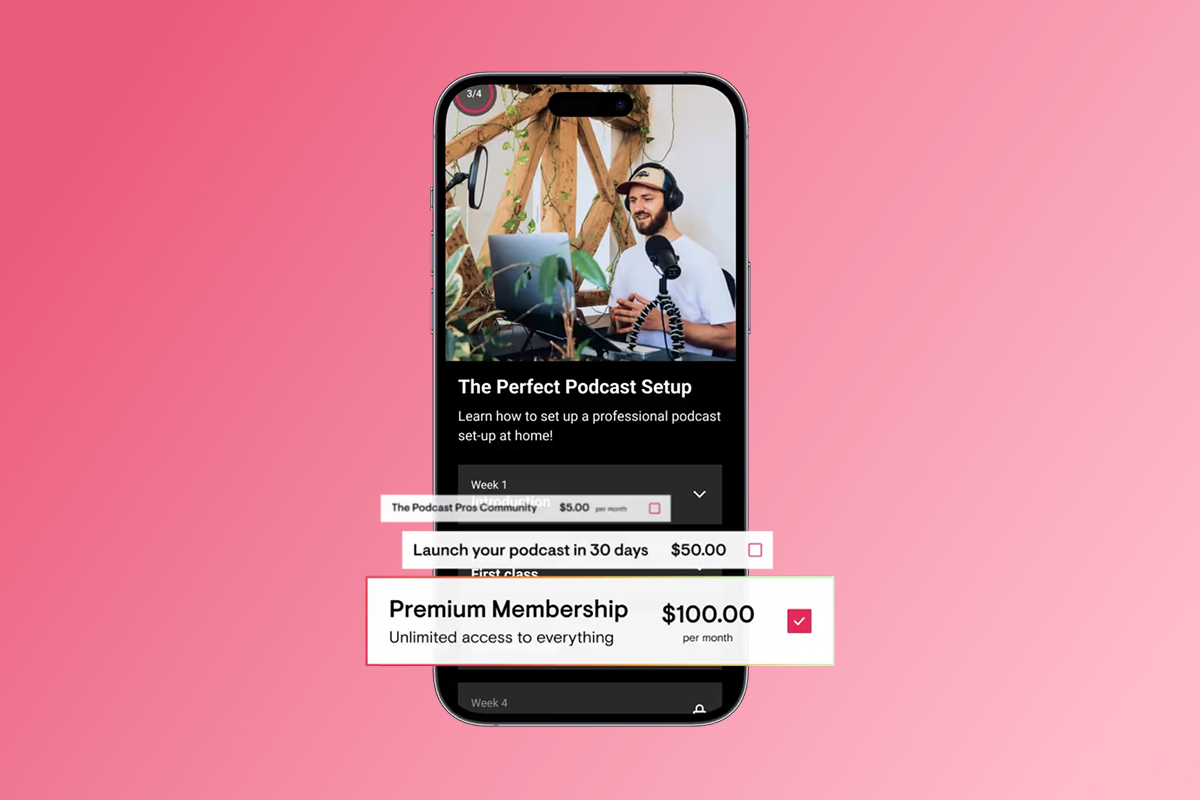
If you sell subscriptions, course bundles, or premium content that users consume within the app, you must use Apple's IAP system, which takes a 15-30% commission. However, you have options.
Our monetization features let you route purchases through web checkout for lower fees (PassionPayments charges a 3.9% platform fee plus Stripe processing), or use IAP for the convenience of one-tap mobile purchases. Many creators use a hybrid approach: web checkout for annual subscriptions and high-ticket bundles (to preserve margin), and IAP for monthly subscriptions and course upsells (for mobile convenience).
All pricing must be transparent. Avoid misleading claims about free content that's actually paywalled will trigger rejection under Guideline 3.1.1.
If your app requires login, provide Apple's review team with a fully functional demo account and credentials. Ensure backend services are live during review.
| Requirement | Apple App Store | Google Play Store |
|---|---|---|
| Developer account fee | $99/year | $25 one-time |
| Typical review time | 24-48 hours | 1-7 days |
| Content policy focus | Privacy, educational value, design standards | Privacy, accurate content, functionality |
| IAP commission | 15-30% | 15-30% |
Your step-by-step checklist for education app submission
Submitting to the App Store involves five core steps. Following this sequence reduces delays and rejection risk.
Step 1: Prepare your content and app design
Before you touch App Store Connect, your app must be finished and tested:
- Content complete: All lessons, videos, PDFs, quizzes, and community features working
- No placeholders: Every feature mentioned in your marketing materials implemented
- Tested across devices: No crashes on iPhone, iPad, or different iOS versions
- Assets ready: App icon (1024x1024 pixels), screenshots for all device sizes
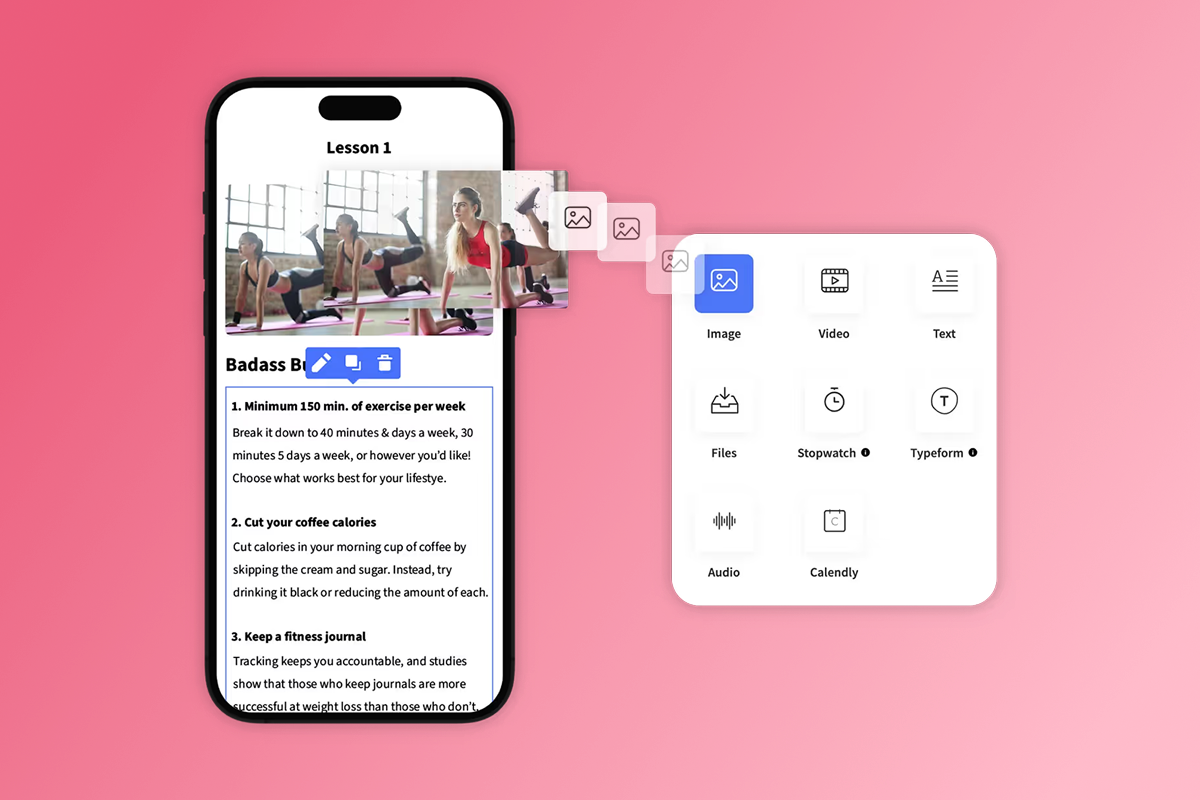
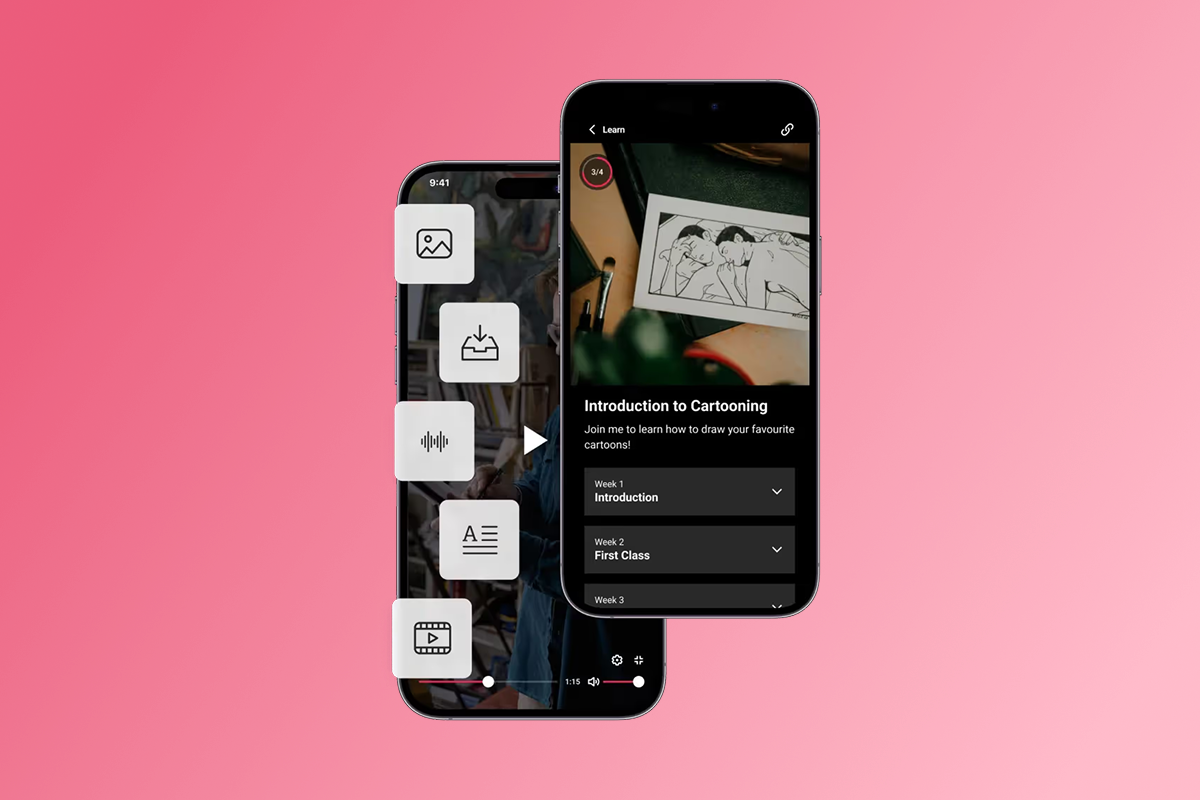
Our no-code app builder handles much of the technical complexity. You drag-and-drop your course structure, upload content, set drip schedules, and configure your branding. We automatically generate iOS and Android builds, plus a web version.
Run your app through TestFlight for beta testing. Invite 5-10 trusted students to test every feature, report bugs, and provide feedback. Fix issues before submission.
Step 2: Set up your Apple Developer Program account
You cannot submit without enrolling in the Apple Developer Program. The annual membership costs $99 and grants access to App Store Connect, development tools, and technical support. The approval process typically takes 24-48 hours.
Register a Bundle ID for your app. This unique identifier must match your app configuration and cannot be changed later. You'll also need a Stock Keeping Unit (SKU) for internal tracking in App Store Connect.
If launching on Android, set up a Google Play Developer account with a one-time $25 fee.
Step 3: Configure your app in App Store Connect
Log into App Store Connect and create a new app record:
- App name: Up to 30 characters
- App description: Up to 4,000 characters highlighting key features and benefits
- Keywords: Relevant search terms (up to 100 characters total)
- Screenshots and previews: High-quality images showing your app in action
- Age rating: Complete the questionnaire for appropriate classification
- Privacy policy URL: Link to your hosted privacy policy
- Pricing and availability: Set monetization model and choose regions
The App Privacy questionnaire is critical. Declare every data type collected and how it's used. For education apps targeting children, minimize data collection to only what's essential.
Use the "App Review Notes" field to provide context for reviewers. Explain complex features, demo credentials, or privacy implementations for minors.
Step 4: Submit for review
Use Xcode to archive your app build and upload it to App Store Connect. Apple requires building with the latest iOS SDK.
In the "Submit for Review" section, answer questions about export compliance, content rights, and advertising identifiers. After submission, Apple typically reviews most apps within 1–3 days, though education apps can take longer depending on content and privacy requirements.
Our Expand and Plus plans include dedicated submission support. We guide you through metadata preparation, help craft review notes, and can handle the technical submission process.
Step 5: Address rejections quickly
If Apple rejects your app, read the notice carefully. It cites specific guidelines violated and suggests fixes. Fix the issues, update your build or metadata, and resubmit immediately. Most rejections resolve within 24-48 hours if you respond fast.
Use App Store Connect's Resolution Center to communicate with reviewers if you need clarification.
App Store Submission Readiness Checklist
Pre-submission (Week 1-2):
- All content uploaded and functional (no placeholders)
- App tested on multiple iOS devices and versions via TestFlight
- Apple Developer Program account active ($99/year)
- Privacy policy hosted and accessible
- App icon created (1024x1024 pixels)
- Screenshots prepared for all device sizes
App Store Connect setup (Week 3):
- Bundle ID and SKU registered
- App metadata complete (name, description, keywords)
- App Privacy questionnaire completed accurately
- Demo account credentials prepared for reviewers
- Pricing and availability configured
Submission (Week 3-4):
- Build uploaded via Xcode with latest SDK
- Review notes provided with feature explanations
- Export compliance questions answered
- Monitoring App Store Connect for status updates
Common reasons education apps get rejected (and how to fix them)
Understanding top rejection reasons helps you avoid them from the start.
Incomplete information or metadata
Your app description promises features that aren't implemented, screenshots show content not in the submitted build, or placeholder text remains in metadata fields.
Fix: Submit only when 100% complete. Every feature mentioned must be functional. Review all metadata for accuracy, remove "coming soon" language, and ensure screenshots are recent.
Poor user interface or broken functionality
The app crashes during testing, has broken links, exhibits slow performance, or navigation doesn't follow iOS conventions.
Fix: Conduct rigorous testing on multiple devices before submission. Use TestFlight for beta testing with real users. Address all crashes and broken links. Ensure your app follows Apple's Human Interface Guidelines. We handle much of the technical infrastructure, but you still need to test your content flow thoroughly.
Misleading content or claims
Your app name uses superlatives without proof, includes irrelevant keywords for manipulation, or screenshots show features from other apps rather than your actual interface.
Fix: Provide honest descriptions. Screenshots must show your app in action, not concept designs. Remove claims you can't substantiate. Focus on specific benefits (e.g., "30-day meditation course with daily push reminders") rather than vague promises.
Privacy policy issues
Your privacy policy is missing, incomplete, or doesn't match your App Privacy questionnaire. For children's apps, you lack proper parental consent mechanisms or collect prohibited data under COPPA.
Fix: Host a comprehensive privacy policy covering all data practices. Complete the questionnaire accurately. For apps serving minors, implement verifiable parental consent flows, add parental gates, and avoid third-party analytics collecting PII from children.
Incorrect monetization implementation
You're selling digital content using external payment methods instead of Apple's IAP system, pricing isn't transparent, or purchase descriptions are unclear.
Fix: For digital content consumed within your app, use Apple's in-app purchase system. Our monetization features help you manage this: use PassionPayments web checkout for lower fees on bundles and annual plans, and add IAP for convenient monthly subscriptions and course upsells.
Tips for faster App Store approval and avoiding delays
Several proactive strategies can accelerate your approval timeline.
Thoroughly review guidelines before submission
Read Apple's App Store Review Guidelines and Human Interface Guidelines. Focus on sections relevant to education apps, including content standards, privacy requirements for children, and monetization rules. Build your app with these rules in mind from day one.
Test your app rigorously
You must test before submission. Use TestFlight to distribute beta builds to internal and external testers. Gather feedback on crashes, performance, and content quality. Run your app through Xcode's "Validate App" feature before uploading to catch basic technical issues.
Provide clear and concise review notes
Use the "App Review Notes" section to help reviewers understand your app quickly. Include demo account credentials, feature explanations, privacy implementations, and confirmation that backend services are live during review. Clear notes reduce confusion and delays.
Respond promptly to Apple's feedback
If reviewers contact you with questions, respond within 24 hours. Check your App Store Connect notifications regularly during review. Most "Waiting for Developer Reply" statuses resolve with quick clarifications. If rejected, fix issues immediately and resubmit.
Consider our App Store submission support
Our Expand and Plus plans include dedicated submission support designed to accelerate approval:
- Pre-submission review: Checking your app for common rejection triggers
- Metadata optimization: Crafting clear descriptions and review notes aligned with Apple's expectations
- Technical submission: Handling the Xcode build, upload, and configuration in App Store Connect
- Rejection support: Interpreting notices and guiding you through fixes and resubmission
Passion Expert Insight: The 3-Step Submission Blueprint
Our App Success team has launched thousands of education apps through the App Store.
The pattern we see among fastest approvals:
(1) Complete TestFlight beta with 5+ testers before submission,
(2) Provide detailed review notes with demo credentials in the first upload,
(3) Respond to any rejection within 24 hours with fixes.
This approach cuts typical review time by 50% compared to creators who skip beta testing or delay responses.
How Passion helps streamline your App Store submission
Our platform is built to help creators launch education apps without developers, removing technical complexity from the App Store submission process.
Pre-built templates and no-code design
Start with customizable templates designed for education apps. Drag-and-drop your course structure, upload videos and PDFs, configure quizzes and goal tracking, and set your branding. We automatically generate iOS, Android, and web builds that meet Apple's technical requirements.
You don't write code or manage infrastructure. We handle app updates, hosting, and performance optimization, ensuring your app stays compliant with Apple's evolving guidelines.
Integrated content and community features
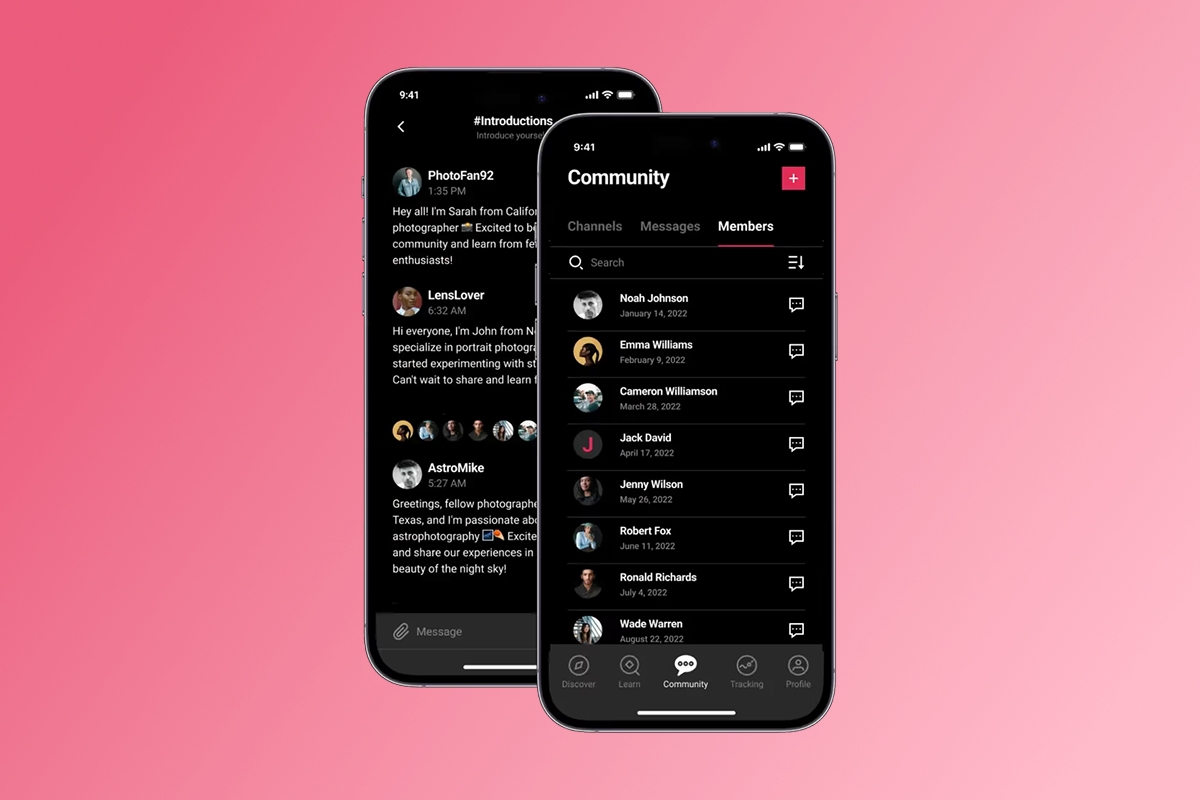
Your education app needs more than video playback. We include in-app community features, push notifications for student engagement, offline content downloads, drip content scheduling, and progress tracking. These features meet Apple's requirement that apps provide unique value beyond web wrappers.
Our community tools come with built-in moderation capabilities, helping you meet Guideline 1.2 requirements without building custom moderation systems.
Transparent payment options
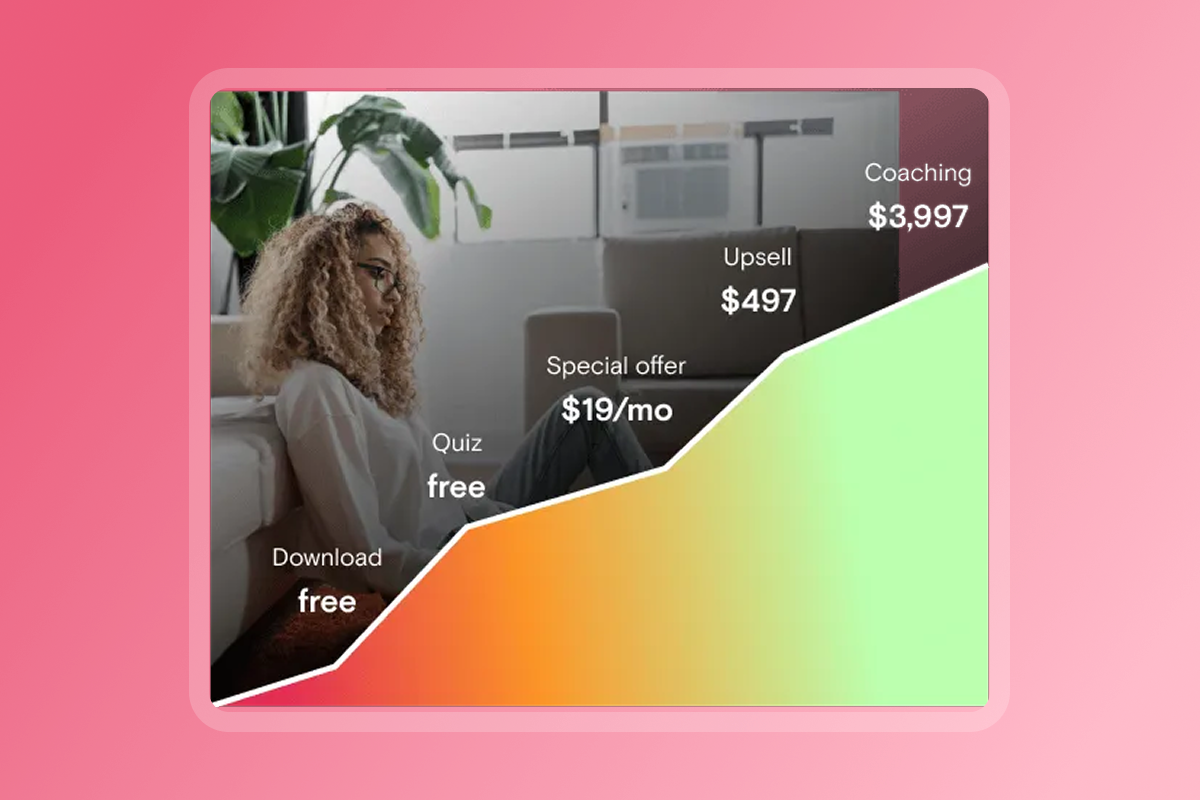
Choose between PassionPayments web checkout (3.9% platform fee plus Stripe processing) or Apple IAP (15-30% commission). We handle the technical integration of both payment pathways, ensuring compliance with Apple's monetization rules while giving you flexibility to optimize for revenue.
Dedicated submission support on higher tiers
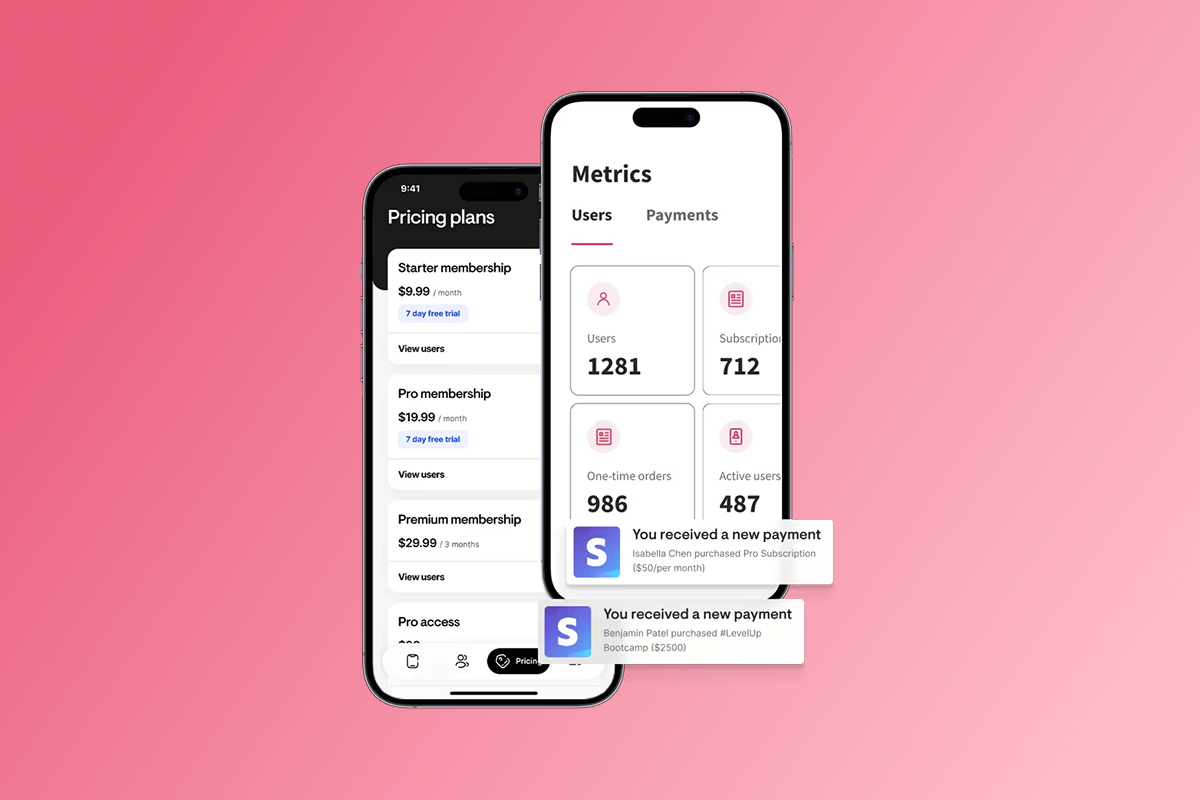
Our Expand and Plus plans include App Store submission support, ranging from guidance and checklists to white-glove service. We review your app for common rejection triggers, help optimize metadata, handle technical build uploads, and support you through the review process.
"They lay it out clearly and are available for support. The platform is easy to use with clear directions on what to do next. The number of features available are amazing, right down to tracking integrations built right in." Michele D. P. on G2
Your next steps: From preparation to App Store launch
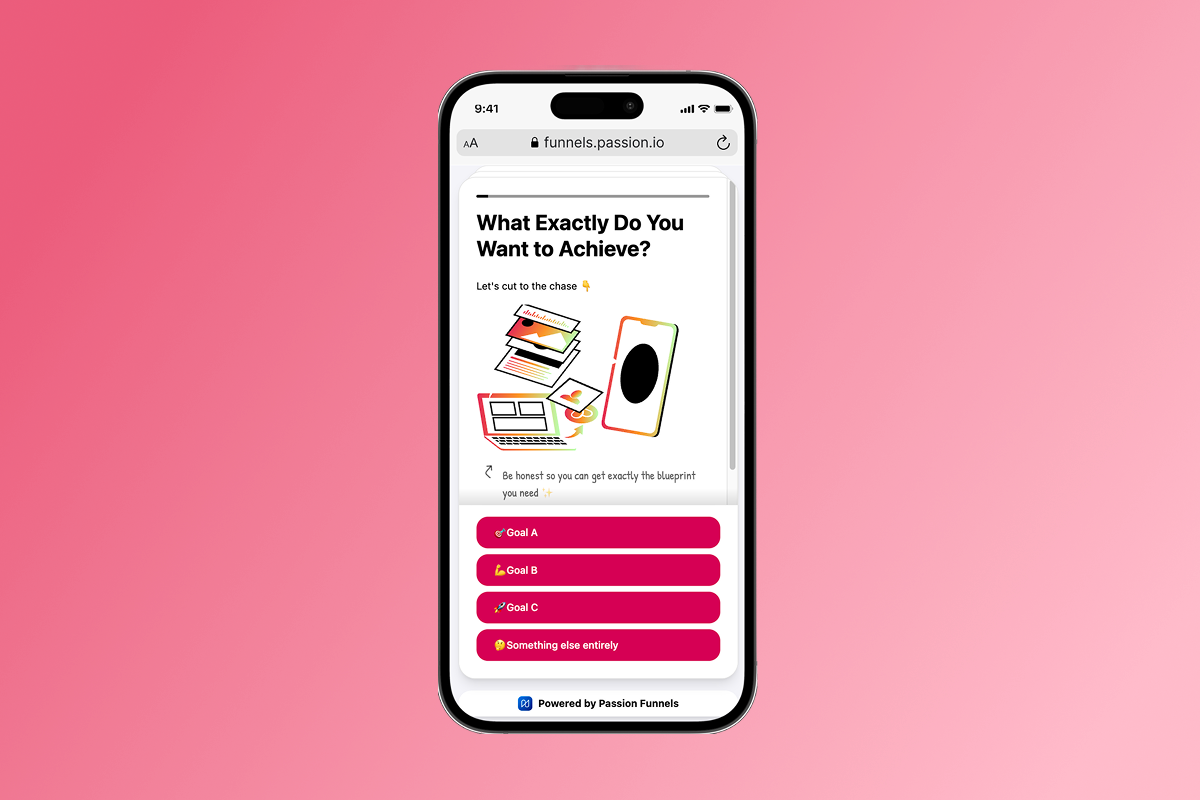
By understanding Apple's requirements, preparing thoroughly, and using the right tools, you can launch your education app on iOS in weeks. Focus on three priorities: complete, high-quality content that delivers on your promises, transparent privacy practices that protect student data, and clear metadata that helps both reviewers and students understand your app's value.
We remove the technical barriers and provide expert guidance through the submission process. You get a branded mobile app that engages students, drives completion, and generates recurring revenue without hiring developers or spending months on custom builds.
Your education content deserves a mobile presence that matches its value. Start building today.
Try Passion or explore how our features support education app creators.
Frequently asked questions
How long does Apple App Store approval take for education apps?
Apple reviews most apps within 24-48 hours. Education apps may take 2-5 days if reviewers verify content quality or privacy compliance.
What are the costs associated with App Store submission?
Apple Developer Program costs $99/year, Google Play Developer is $25 one-time. Apple IAP takes 15-30% commission, while PassionPayments web checkout charges 3.9% platform fee plus Stripe processing.
Can I update my education app after it's approved?
Yes, submit updates anytime through App Store Connect. Updates go through the same review but typically approve faster than initial submissions.
Do I need to comply with COPPA for my education app?
If your app collects personal information from children under 13, COPPA compliance is mandatory. You must obtain verifiable parental consent, minimize data collection, and avoid behavioral advertising.
What happens if my education app is rejected?
Apple sends a detailed notice citing specific guidelines violated. Fix the issues and resubmit within 24-48 hours. Most rejections resolve quickly with prompt action.
Key terminology glossary
App Store Connect: Apple's web portal where developers manage their apps' entire lifecycle, including metadata configuration, build uploads, pricing settings, and sales analytics. All submissions go through this platform.
In-app purchase (IAP): Apple's payment system for digital goods and subscriptions purchased within an app. Apple charges 15-30% commission on all IAP transactions, required for consumable content like courses and memberships.
Push notifications: Messages sent directly to users' devices even when your app isn't open. Push notifications drive engagement by reminding students about new lessons, upcoming sessions, or incomplete courses.
TestFlight: Apple's beta testing service that lets you distribute pre-release versions to up to 10,000 external testers. It's integrated with App Store Connect and essential for identifying bugs before submission.
PassionPayments: Our integrated payment processing system for web-based checkout. It charges a 3.9% platform fee plus Stripe processing fees, offering a lower-cost alternative to Apple IAP for annual subscriptions and bundles.

Build the business
behind what you know.
Turn your expertise into a branded app with courses, community, and the You AI Coach. Launch plan from $99/month.