


How Do Creators Protect Their Audience Data from Platform Shutdowns?
Updated January 20th, 2026
Building your coaching business on social media feels easy until the platform cuts your reach, bans your account, or changes the rules overnight. I've watched creators lose years of work because they treated Instagram like a home when it was always just a rental.
In this guide, I'll show you how app-based security protects your business, what compliance actually means for creators, and how Passion.io handles the technical heavy lifting so you don't need to hire a security team.
Why "rented land" is your biggest security risk
The algorithm trap: when you don't own the contact list
According to the 2024 Creator Economy Guide, 70% of creators say an algorithm change could seriously affect their income. When TikTok temporarily disappeared in January 2025, thousands of creators watched their income vanish overnight because they had no way to reach their audience outside the platform.
The fundamental problem is access. On Instagram or Facebook, you can't export your follower emails. You don't own the contact list, which means you don't own your business.
From late May 2025, Instagram suspended thousands of US accounts with minimal explanation, including Meta Verified paid accounts. A California fitness coach lost multiple business pages overnight and thousands of dollars in bookings. By mid-June 2025, thousands of UK-based creators were locked out.
Security isn't just about preventing hackers. It's about preventing business collapse when someone else controls your customer relationships.
The cost of tool sprawl and fragmented data
Most creators patch together 5-7 tools to run their business: Instagram for reach, a separate course platform, Zoom for live calls, Stripe for payments, a Facebook group for community, and email for follow-up. Each tool creates a new security vulnerability.
A 2024 Statista survey found that 37% of social media users have had profiles hacked, with 77% of incidents occurring on Facebook and 35% on Instagram. When hackers gain access, 71% impersonated the account owner to contact friends, often running scams that damage your reputation.
The scattered architecture makes it nearly impossible to track who has access to what data. You're managing seven sets of login credentials, updating passwords across multiple platforms, and hoping no plugin introduces a security hole.
Data ownership vs platform liability: who owns what?
Defining data ownership for creators
Data ownership refers to both the possession of and responsibility for information. For creators, this means three practical rights:
- Export rights: Download your user list including names, emails, and subscription status at any time
- Direct communication: Reach your audience through email or push notifications outside the platform
- Portability: Take your data with you if you leave the platform or switch tools
Instagram's terms require users to grant it a non-exclusive, royalty-free, transferable, sub-licensable, worldwide license to host and use your content. While you may own your content, you don't own access to your follower list, which is the actual business asset.
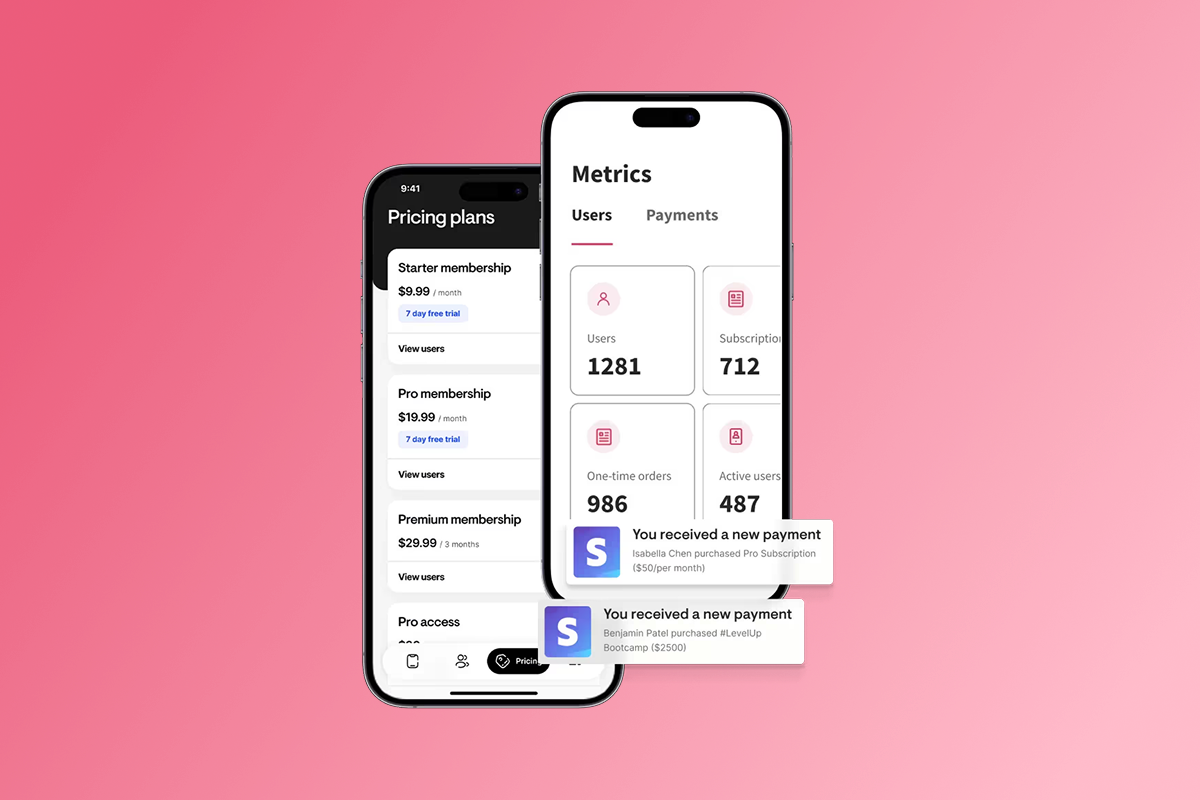
On Passion.io, you can export your subscriber list at any time through the Users section. The downloaded CSV includes names, emails, join dates, and subscription plans. That export capability is proof of ownership.
What the platform handles (the plumbing)
The security model for SaaS platforms operates on shared responsibility. Here's what each party manages:
This is fundamentally different from WordPress, where you're responsible for keeping plugins, themes, and WordPress core up to date, maintaining SSL certificates, configuring firewalls, and managing database backups. One outdated plugin can compromise your entire site and expose customer payment information.
5 non-negotiable security features for creator apps
1. Encryption at rest and in transit
Modern platforms use two types of encryption. SSL/TLS protects data moving between devices and servers, like a locked box in transit. AES-256 protects data stored on servers and is considered the gold standard for stored data security. Both are industry-standard requirements for any platform handling creator revenue and customer data.
2. Secure payment gateways (PCI DSS compliance)
PCI DSS is the global security standard for all entities that store, process, or transmit cardholder data. If you're taking credit card payments, PCI compliance isn't optional.
Stripe is certified annually as a PCI Level 1 Service Provider, the highest level available. When you use PassionPayments for web checkouts, Stripe handles the sensitive card data through secure integration. The key advantage: sensitive card data never touches your servers. Stripe returns only non-sensitive information like card type, last four digits, and expiration date.
3. Automated backups and disaster recovery
Manual backups are where most creators fail. You tell yourself you'll export data monthly, then six months pass. If a server crashes or data gets corrupted, you've lost member profiles, course progress, and subscription history.
SaaS platforms run automated backups on set schedules, typically daily or more frequently. The backups are geographically distributed across multiple data centers so a regional outage doesn't destroy everything. Watch this Passion.io platform demo to see how the infrastructure works.
4. Regular security updates and patching
WordPress security vulnerabilities appear constantly, often in third-party plugins that don't receive regular maintenance. You're responsible for monitoring security bulletins, testing updates, and applying patches before hackers exploit them.
With Passion.io, the engineering team monitors security threats and pushes updates to the platform infrastructure without requiring action on your end. PCI DSS requires keeping all system software patched, and the platform handles this requirement.
5. Data portability and export rights
Data portability means transporting your app data from one place to another at your own discretion. It's both a security feature and a business continuity safeguard.
In your Passion.io dashboard, navigate to the Users section, apply any filters you need, and tap the Download icon to export the list as a CSV file. The export includes names, emails, join dates, and subscription plans.
GDPR and CCPA for creators: a plain-English checklist
GDPR is a European data protection law that gives individuals control over their personal data, including rights to access, correct, delete, and port their information. CCPA provides similar protections for California residents. Even if you're not based in Europe or California, you may need to comply if your users are.
How to handle user consent and privacy policies
Every app submitted to Apple or Google requires a privacy policy link. In your Passion.io app settings, locate the Privacy & Terms section and add your privacy policy URL.
Your privacy policy must clearly state:
- What data you collect (names, emails, payment information, course progress)
- How you use that data (delivering content, processing payments, sending push notifications)
- Who you share data with (payment processors like Stripe, app analytics providers)
- How users can request data deletion
Both Apple and Google will reject apps without proper privacy disclosures. Use free privacy policy generators or hire a lawyer to draft a compliant document.
Managing data deletion requests (the right to be forgotten)
When a user requests data deletion, GDPR requires 30 days to comply while CCPA allows 45 days. In Passion.io, navigate to Users, select the specific user, and click Delete to remove their profile and associated data.
Keep records of deletion requests and responses in a simple spreadsheet tracking request date, user identifier, and completion date. If you collect sensitive health data or work with minors, work with a GDPR/CCPA compliance specialist to ensure your processes meet additional requirements.
How Passion.io keeps your business secure
Built-in security infrastructure
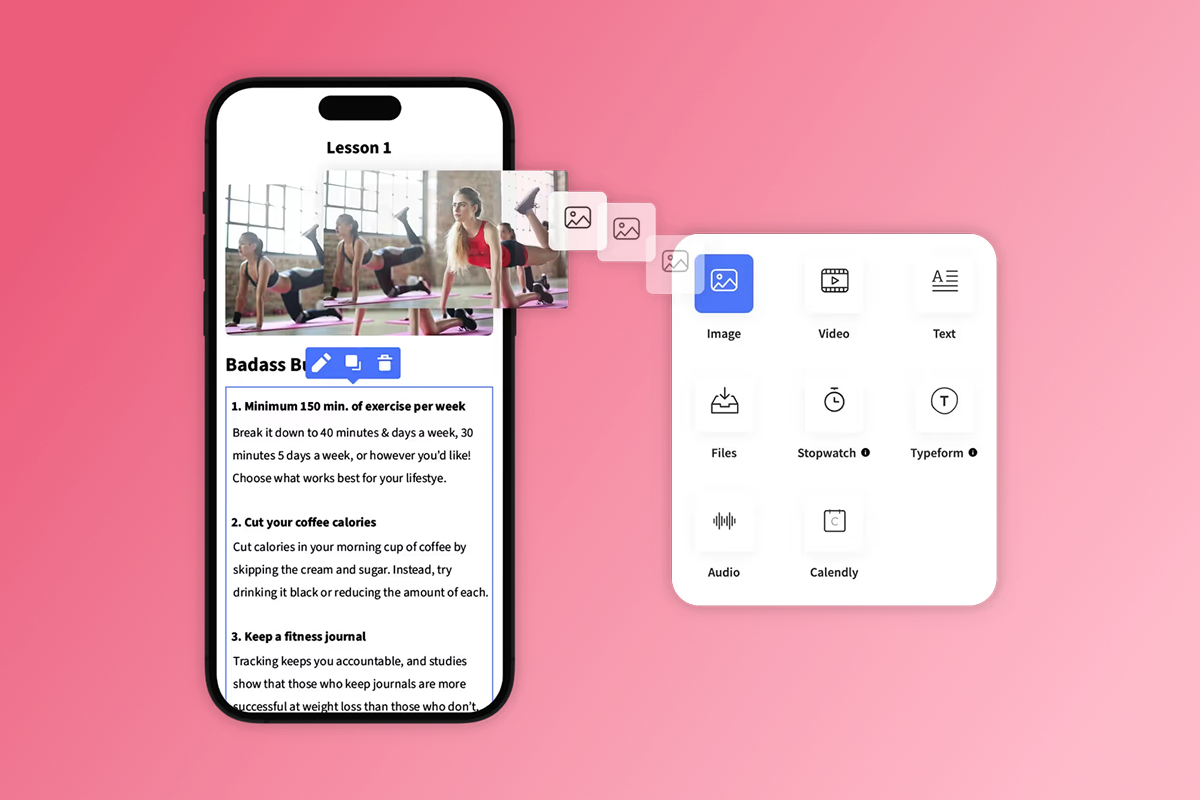
No-code platforms eliminate a major vulnerability: bad code. When you build with Passion.io's drag-and-drop builder, you're working within a tested framework instead of writing custom code that could introduce security gaps.
The infrastructure includes automatic SSL/TLS for all data in transit, secure APIs for integrations with tools like Calendly, Typeform, and Zapier, and hosting on major cloud providers. One creator shared:
"I purchased Passion.io to build an app that was easy for me and my clients to utilize. The group onboarding training was super helpful to getting started on the right foot." - Lat CPA Firm on Trustpilot
Protect your Passion.io admin account
The weakest link in any security system is usually human behavior. You can have military-grade encryption and still get hacked if someone uses "password123" or falls for a phishing email.
According to cybersecurity research, hackers increasingly target content creators with phishing attacks designed to steal login credentials. Follow these five steps to protect your account:
- Use strong, unique passwords: Minimum 12 characters mixing uppercase, lowercase, numbers, and symbols. Don't reuse passwords from other accounts.
- Enable two-factor authentication: Check your account settings for 2FA options and turn them on.
- Watch for phishing: Always verify sender email addresses before clicking links.
- Limit admin access: Grant admin privileges only to trusted team members.
- Secure your business email: Use a dedicated business email instead of listing personal emails on public profiles.
Another creator noted the ongoing support:
"Creating an App takes commitment, patience and time I've found. Tracy has been great and has often gone above and beyond." - Dr. Liesel Roome Inc. on Trustpilot
Web checkouts vs in-app purchases: comparing fees and data access
Understanding payment pathways matters for security planning because different methods expose different data and fee structures.
Developer account costs: Apple charges $99/year for the Apple Developer Program. Google Play charges a one-time $25 registration fee.
The math matters. On a $50/month subscription sold via IAP at the 15% rate, Apple or Google takes $7.50 and you net $42.50. The same subscription sold via web checkout costs about $3.45 in total fees (3.9% + Stripe's 2.9% + $0.30), netting you $46.55—a $4.05 difference per transaction that compounds over hundreds of subscribers.
IAP increases conversion by reducing friction. Users stay in the app and complete purchases in seconds. However, with IAP, Apple and Google act as a privacy layer that limits direct customer data access.
Most creators use both: offer IAP for mobile convenience while directing higher-value bundles and annual subscriptions to web checkout where margins are better. Watch the Passion.io platform demo to see how both pathways integrate.
Security is ownership
Creators who survive algorithm changes, platform policy shifts, and unexpected account suspensions own their audience relationships through direct channels. A branded mobile app built with Passion.io gives you that ownership while handling the complex technical security and compliance requirements.
Budget $99/month minimum for the Launch plan, plus $99/year for Apple and $25 one-time for Google. Add the platform fee of 3.9% on web checkouts or IAP fees of 15-30% depending on your revenue tier. Export your subscriber list quarterly as a backup even while the platform is working well.
The real question: if Instagram shut down tomorrow, could you email your customers? If the answer is no, your business isn't secure.
See how Passion.io protects your data and audience. Book a demo to explore security features and data export capabilities, or try a plan .
Frequently asked questions
Do I own my subscriber list on Passion.io?
Yes. You can export your subscriber list at any time as a CSV file from the Users section including names, emails, join dates, and subscription plans.
Is Passion.io GDPR compliant?
Passion.io provides tools to help you meet GDPR obligations including privacy policy links, user data export, and data deletion processes. You're responsible for providing your privacy policy and responding to data subject requests.
What happens to my data if I cancel my subscription?
Export your user data before canceling your plan. Contact Passion.io support for the current data retention period and backup your subscriber list through the Users export.
What security features should I look for in an app platform?
Require SSL/TLS encryption for data in transit, PCI DSS Level 1 compliance for payment processing, automated backups, regular security updates, and data export capabilities.
How much do Apple and Google developer accounts cost?
Apple charges $99 per year for the Apple Developer Program and Google Play charges a one-time $25 registration fee.
What are the IAP fees for iOS and Android?
Apple and Google both charge 30% standard commission on in-app purchases, reduced to 15% for qualifying small businesses earning less than $1 million annually from IAP.
Key terms glossary
Encryption: The process of converting data into a coded form to prevent unauthorized access. 256-bit encryption is one of the most secure standards available today.
GDPR (General Data Protection Regulation): A European data protection law that gives individuals control over their personal data including rights to access, correct, delete, and port their information.
PCI DSS (Payment Card Industry Data Security Standard): The global security standard for all entities that store, process, or transmit cardholder data.
Data Portability: The right to obtain and reuse your data and move it to different services when you choose.
IAP (In-App Purchase): Purchases made directly within mobile apps on iOS or Android, processed through Apple or Google's payment systems with their associated commission fees.
SSL/TLS: Security protocols that encrypt data transmission over the internet, protecting information as it moves between user devices and servers.

Build the business
behind what you know.
Turn your expertise into a branded app with courses, community, and the You AI Coach. Launch plan from $99/month.