


No-Code Guide: Brand Your Fitness App for Full Control
Updated 9th December, 2025
Fitness coaches with content ready and scattered tools used to face a costly choice: pay $30k+ for custom development or settle for a generic course platform. Today, branded fitness app builders let you launch a fully customized mobile app on iOS and Android in 4-8 weeks without writing code or hiring a developer. You control your colors, logo, community, and revenue while owning your audience off social media.
What is a No-code Fitness App Builder?
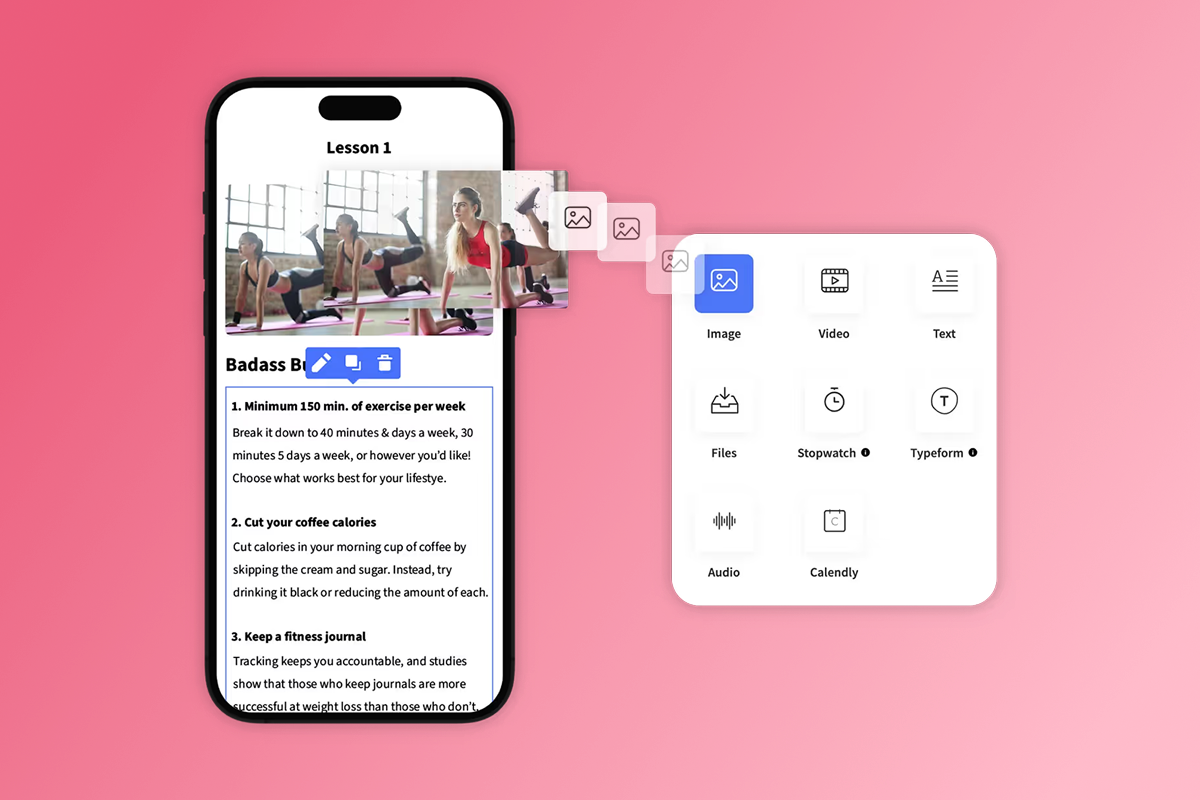
A no-code fitness app builder is a platform that lets you create native iOS and Android apps through a visual interface, without programming. You drag in videos, PDFs, and text, style with your brand colors and logo, and publish to app stores in weeks rather than the 3-6 months custom development requires.
Fitness coaches choose no-code builders for three reasons. Web-first course platforms like Kajabi and Thinkific give you a mobile-responsive website, but not a real app on someone's home screen. Custom development offers complete control but starts at $30,000 and requires ongoing developer relationships for updates. No-code app builders bridge that gap by combining speed, branding control, and mobile-native features like push notifications and offline access.
For coaches running personal training, group fitness, wellness coaching, or specialized programs like aerial arts or face yoga, a branded app solves three problems: you escape rented land where social platforms control your reach, you consolidate tool sprawl by putting courses, community, and payments in one place, and you create a sticky experience that drives higher completion than email-based courses.
Key Features of No-code Fitness App Builders
Before you start building, understand what you gain and what you give up with a no-code approach.
What You Get with No-code Platforms
- Mobile-first experience: Your app lives on users' home screens with your logo, not buried in a browser bookmark. Mobile apps see 2.5 times more logins per week than web-only platforms because the visual reminder, one-tap access, and offline content downloads reduce friction.
- Push notifications: You can send alerts directly to members' lock screens to nudge them back into workouts, announce new content, or celebrate milestones. This bypasses the crowded email inbox and declining social reach.
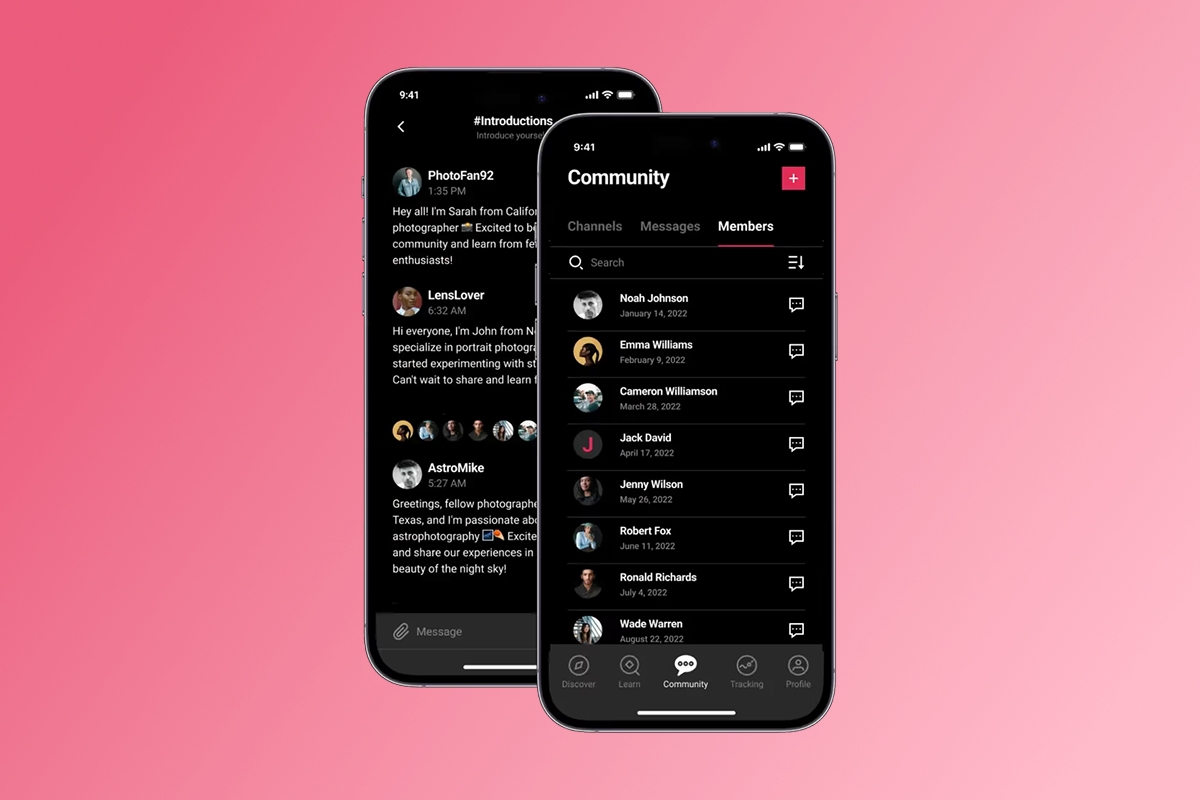
- In-app community: A dedicated space for members to post progress, ask questions, and support each other builds accountability and retention without scattering conversations across Facebook groups you don't control.
- Flexible monetization: Offer subscriptions (weekly, monthly, annual), one-time purchases, freemium access, or bundles. Choose between web checkout at 3.9% platform fee or in-app purchases at 15-30% Apple/Google fees depending on your price point and margin targets.
Trade-offs to Understand
- Less flexibility than custom code: If your program requires deeply custom workflows, unique gamification mechanics, or integrations with proprietary hardware, a no-code builder may hit limits. Most fitness coaching needs fit within the template structure, but edge cases exist.
- Plan-based feature gates: Entry-level plans typically cap subscribers, video uploads, or push notifications per month. As you grow, you'll need to upgrade.
- App store policies: Apple and Google enforce guidelines on content, payments, and metadata. The review process adds 1-7 days to your timeline, and occasional rejections require adjustments.
- Ongoing subscription cost: Unlike a one-time custom build, no-code platforms charge monthly. Budget $99-$599/month for the platform, plus payment processing fees.
How to Build Your Branded Fitness App: A Step-by-Step Guide
This seven-step process takes most coaches 4-8 weeks from setup to live app, depending on content readiness and how quickly you prepare brand assets.
Step 1: Prepare Your Brand Assets
Before you touch the builder, gather the visual elements that will define your app's identity.
- App icon (1024x1024 pixels): This is the square image users see on their home screen. It must be fully opaque with no transparency, saved as a PNG under 1024KB.
- Logo files (1080x1080 pixels recommended): You'll upload this for authentication screens, welcome screens, and loading states. A minimum of 110x110 pixels is required, but higher resolution looks sharper on modern devices.
- Color palette (hex codes): Define your primary color for buttons and links, secondary background color, divider colors, and main text color. If you have a brand style guide, pull the hex codes now.
- Splash screen background (750x1336 pixels minimum): This is the first thing users see when they open your app. You can use an image (JPEG/JPG) or video (MOV/MP4) up to 500MB.
- Content thumbnails (233x233 pixels for carousel view): Square images in JPEG or PNG format work best for lesson previews.
Download our brand asset preparation checklist to ensure you have every file and dimension ready before you start building.
Step 2: Choose Your Template
Passion offers fitness-specific templates like "Fit in Twenty" for HIIT programs, "Fit Faces" for face yoga, and "Habit Coach" for behavior change programs. Templates provide pre-configured layouts for workout libraries, progress tracking, and community feeds.
Pick a template that matches your content structure. If you teach sequential programs like a 12-week transformation, choose a template with strong drip and milestone features. If you run a membership with ongoing new content, prioritize templates with a robust content library and discovery layout.
Step 3: Customize the Look
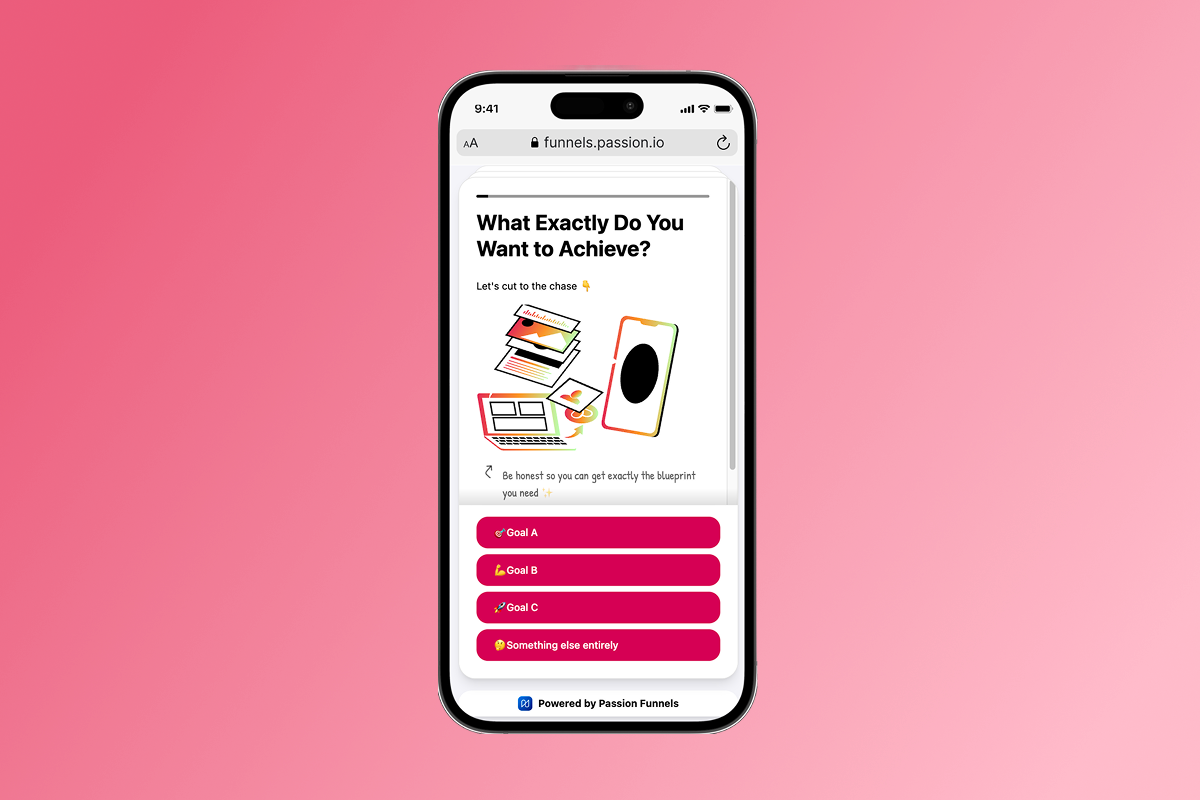
This is where your brand comes to life. In the Passion admin view, navigate to the Style tab.
- Brand identity: Go to "My App" then "Settings" to update your app name and upload your 1024x1024 icon. Then set your color palette by choosing preset palettes or inputting custom hex codes. Define your primary color for interactive elements, secondary background color, divider color, and text color.
- Welcome screen: Upload your splash screen background and optionally add your logo and testimonial quotes for the login/signup screen.
- Typography and imagery: Select from six available font styles that align with your brand personality. Upload a 657x289 pixel image for course overview headers and set the 750x1336 pixel background for the Discover page.
- Preview your work: As you customize, preview changes in both light and dark modes to ensure readability across device settings.
Brand consistency tips: Use your existing brand style guide to pull hex codes and fonts. Maintain 4.5:1 contrast ratios (WCAG AA standard) for readability. Test your app on both iOS and Android devices in light and dark modes before submission.
Step 4: Upload Content and Structure
Build out the actual program your members will experience.
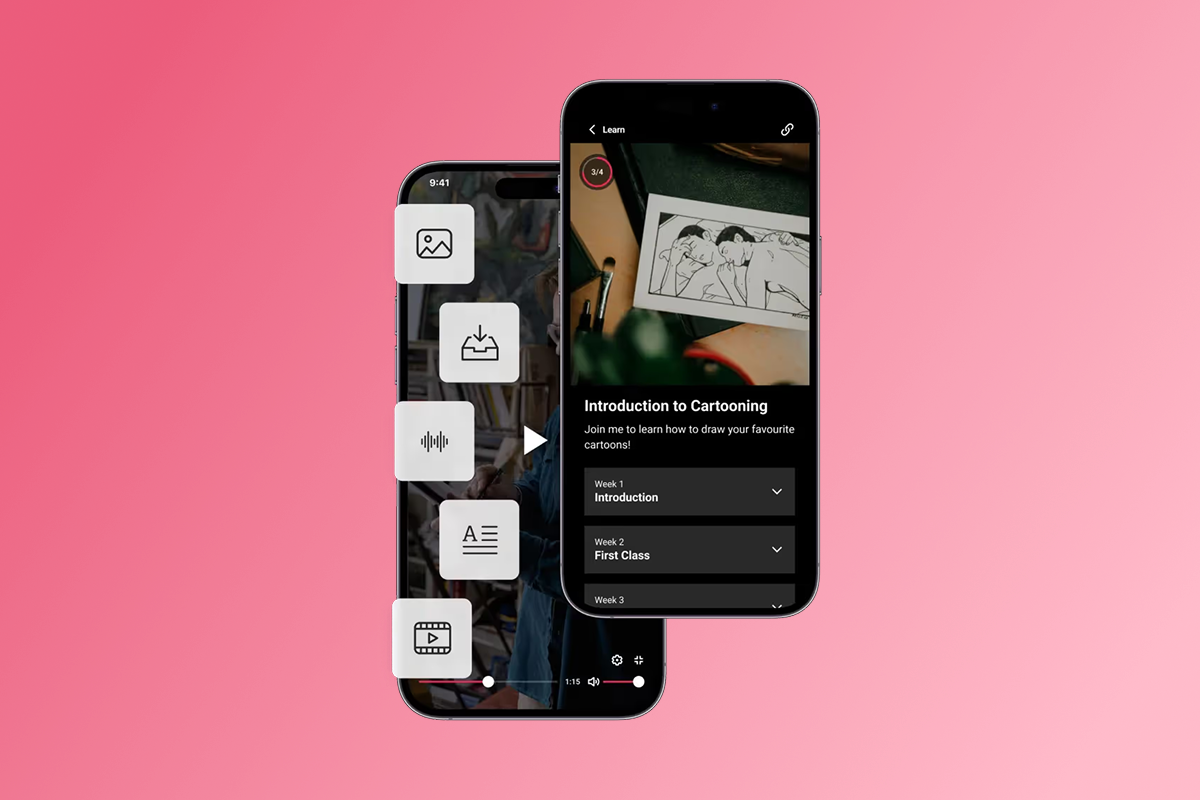
- Create sequences: A sequence is a collection of lessons organized around a specific outcome. For a 30-day fitness challenge, create one sequence with 30 lessons. For an ongoing membership, create multiple sequences for different workout styles or skill levels.
- Upload lesson content: Drag videos, audio files, PDFs, and text into each lesson. Video limits range from 1GB to 5GB per file depending on your plan. Add timers for interval workouts, loop features for form practice, and checkboxes for habit tracking.
- Set drip schedules: Control when content becomes available. Release one lesson per day for a challenge structure, or unlock everything immediately for a library-style membership.
- Build your community structure: Create channels for different topics (nutrition, accountability, wins), set moderation rules, and write welcome messages that set expectations for participation.
Step 5: Set Monetization
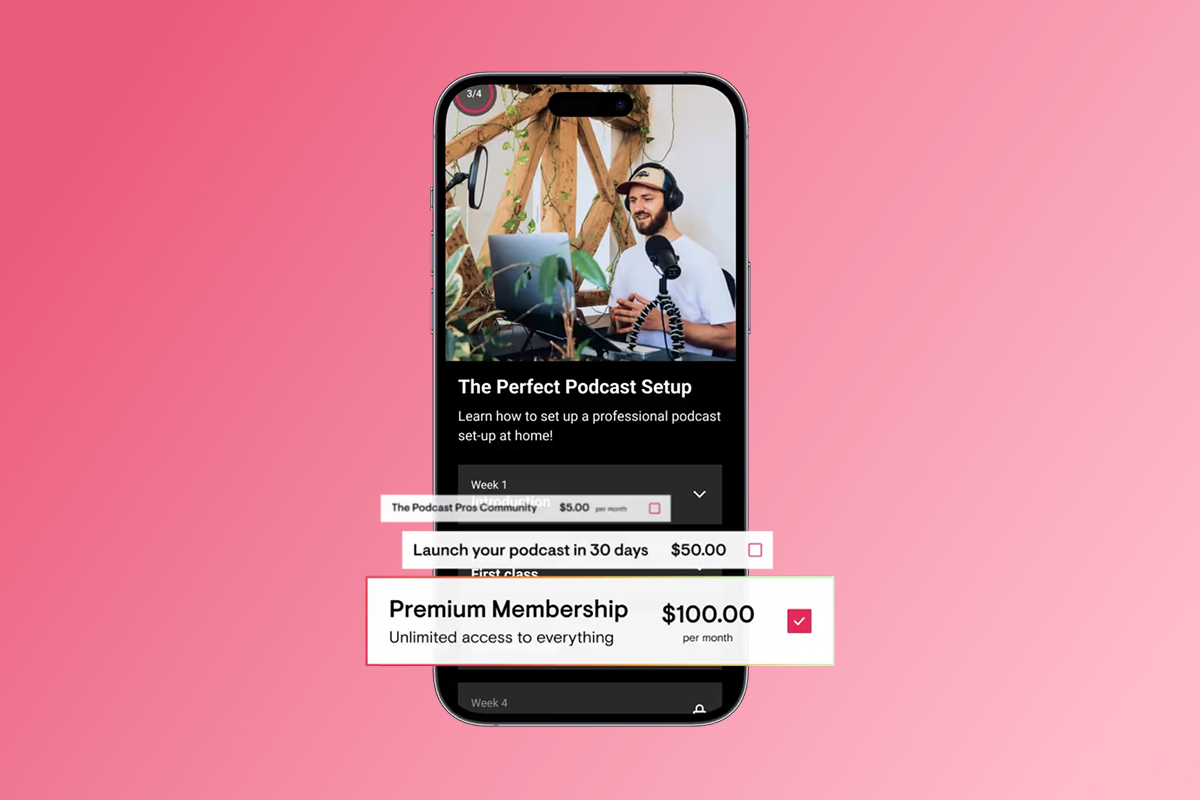
Configure pricing plans that match your business model.
- Choose subscription frequency: Offer weekly ($9-$19), monthly ($29-$99), quarterly ($79-$249), or annual ($199-$999) options. Most coaches find that offering both monthly and annual plans increases conversions, with annual plans typically priced at 10 months' value to incentivize commitment.
- Decide on payment path: Web checkout via PassionPayments adds a 3.9% platform fee plus Stripe's standard processing fees (2.9% + $0.30 per transaction). In-app purchases through Apple and Google cost 15-30% depending on your revenue (15% under $1M annual revenue through Apple's Small Business Program, 30% above that threshold).
- Strategy: Route high-value annual plans and bundles through web checkout to preserve margin. Offer lower-priced monthly subscriptions via IAP to reduce signup friction on mobile. A $99 annual membership sold via web checkout costs you $6.70 in fees, leaving $92.30. The same sale via IAP costs $14.85-$29.70, leaving $69.30-$84.15. For a coach selling 100 annual memberships, that's an $850-$2,300 margin difference.
- Set up free trials: Offering 3, 7, 14, or 30-day trials lowers the barrier to entry. Most coaches see trial-to-paid conversion rates of 20-40% depending on onboarding quality.
- Connect your Stripe account: To enable web payments, integrate Stripe through the Integrations section in admin settings. This takes 10-15 minutes and requires basic business information.
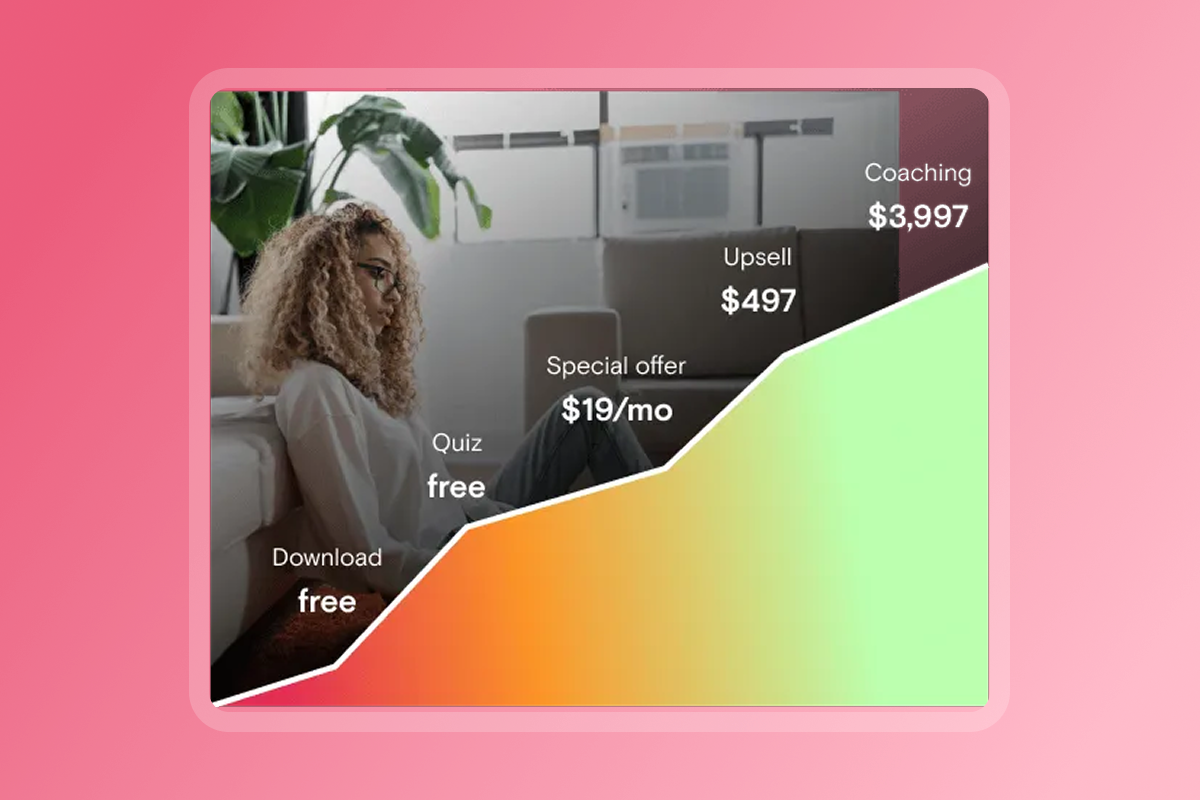
Step 6: Test on Devices
Before submission, thoroughly test your app to catch visual issues and user experience friction.
- Preview in the builder: Passion's preview mode shows you how your app will look and function. Walk through the signup flow, browse content, test video playback, and navigate the community as a new user would.
- Test on actual devices: Install the preview version on both an iPhone and an Android phone to see how colors, fonts, and layouts appear on different screen sizes. Check that your logo is crisp, your splash screen doesn't look stretched, and your color contrast is readable in both light and dark modes.
- Run a small beta: Invite 5-10 trusted clients or friends to use the app for a week. Ask them to report any confusing navigation, broken links, or visual inconsistencies.
Step 7: Submit to App Stores
In the final step, you'll publish your app to the Apple App Store and Google Play Store.
- Register for developer accounts: You need an Apple Developer Program account ($99/year) and a Google Play Console account ($25 one-time). Register early because approval can take 24-48 hours.
- Prepare app store listings: Write your app name, subtitle, description, and keywords. Apple allows 30 characters for the app name and 30 for the subtitle. Google allows 50 characters for the title. Avoid mentioning pricing in your description.
- Create screenshots: You need screenshots in multiple dimensions for different device sizes. Passion provides a screenshot builder tool to simplify this process. Show your app's key features like the workout library, community feed, and progress tracking.
- Submit and monitor: Passion handles the technical submission of the app bundle files. Apple typically reviews apps within 24-48 hours, while Google takes 1-3 days. Budget 1-2 weeks total for this phase to account for potential back-and-forth with app store review teams.
Top No-code Fitness App Builders: A Comparison
Here's how Passion stacks up against alternatives on the dimensions that matter most for fitness coaches.
For coaches who prioritize a fully branded mobile app with integrated community and monetization features, Passion offers a faster timeline and lower entry cost than custom development. While web-first platforms like Kajabi and Thinkific are strong for marketing funnels and email sequences, their branded mobile app experience requires an additional $199/month investment.
Pricing and Cost Considerations
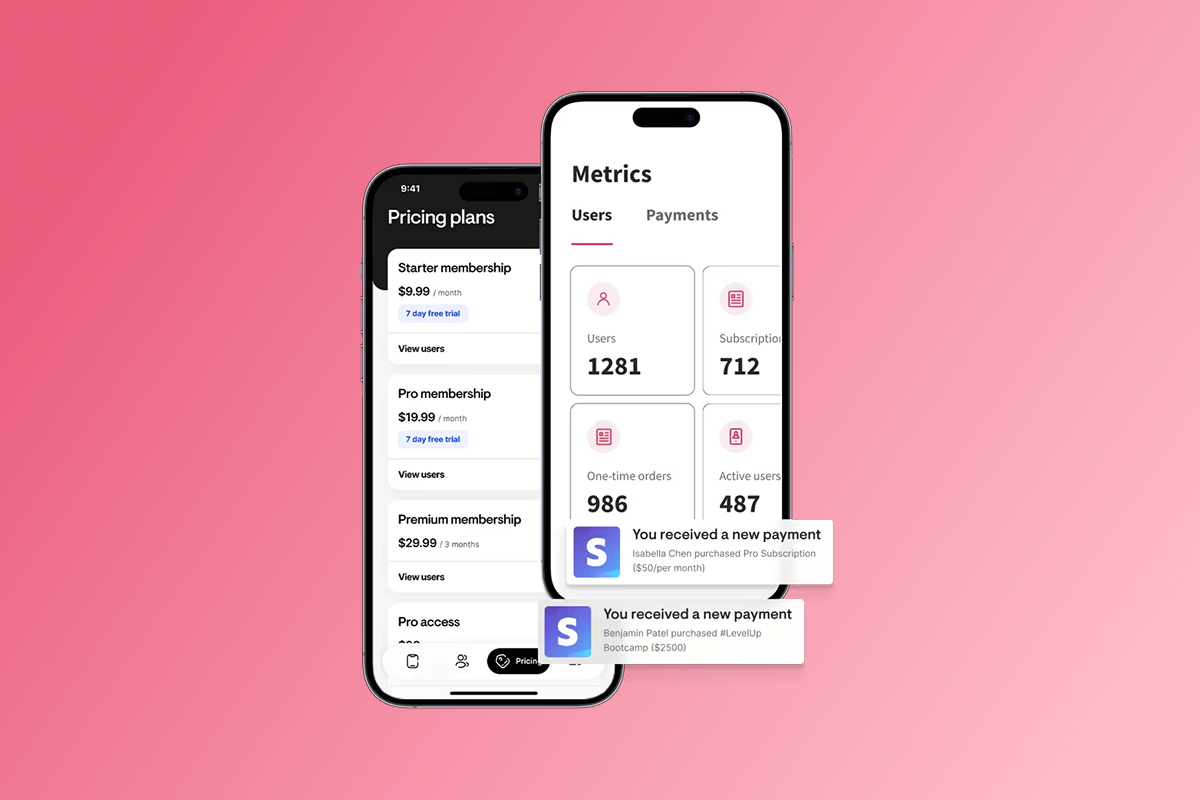
Understanding total cost of ownership helps you budget accurately and choose the right payment paths.
Platform Subscription Costs
Passion offers three self-service tiers:
- Launch: $119/month or $99/month annual ($1,188/year). Includes 100 subscribers, 100 videos, 1,000 push notifications per month.
- Scale: $299/month or $239/month annual ($2,868/year). Removes Passion branding and increases limits on subscribers and videos.
- Expand: $699/month or $599/month annual ($7,188/year). Higher limits and additional features like app store submission support.
- Plus (custom): Done-for-you build and launch with white-glove support for established creators who want to minimize their time investment.
Developer Account Fees
Apple Developer Program: $99/year to publish on the App Store.
Google Play Console: $25 one-time for the Google Play Store.
Transaction Fees
- Web checkout (PassionPayments): 3.9% platform fee plus Stripe's standard 2.9% + $0.30 per transaction. On a $99 annual sale, you pay approximately $6.70 total in fees.
- In-app purchases (IAP): Apple and Google retain 15-30% depending on your annual revenue. On a $99 annual sale via IAP, you pay $14.85-$29.70 in fees.
Total First-year Cost Example
For a coach on the Scale plan earning $3k-$10k/month in membership revenue through web checkout, expect total first-year costs of $5,200-$6,500 (platform + developer accounts + transaction fees), or 8-11% of gross revenue. Compare this to $30,000+ custom development upfront with ongoing hosting and maintenance costs.
Ready to Build Your Branded Fitness App?
Start exploring Passion to see the branding controls, drag-and-drop builder, and mobile preview tools in action. See plans and pricing.
Or book a live demo to see how coaches in your niche have customized their apps and set up subscriptions with expert guidance.
Frequently Asked Questions
Can I build a fitness app for free?
No professional option exists to publish a fully functional branded app at zero cost. Free trials are available on platforms like Passion, but launching to app stores requires paid developer accounts and a platform subscription.
How long does it take to build a fitness app with no-code?
Most coaches complete the process in 4-8 weeks. Asset preparation takes 3-14 days, platform setup and content upload take 2-3 weeks, testing takes 1 week, and app store submission and approval take 1-2 weeks.
Do I own my customer data?
Yes. Unlike social media platforms where you don't own your follower list, your app gives you direct ownership of user profiles, email addresses, and engagement data.
What happens if Apple or Google rejects my app?
Apple and Google occasionally request changes to screenshots, descriptions, or content. Passion's support helps you address feedback and resubmit within 2-5 days.
Can I change my branding after launch?
Yes. Updates to colors, logos, and content push immediately to your web app, while app icon or name changes require a 1-3 day app store resubmission.
Key Terminology
No-code platform: Software that allows app creation via visual interfaces without writing programming code. Users configure pre-built elements through drag-and-drop tools.
Native app: An application installed directly onto a mobile device from an app store, living on the user's home screen rather than accessed through a browser.
In-app purchases (IAP): Transactions processed by Apple or Google within your app, where the platform retains 15-30% commission depending on revenue thresholds.
Push notifications: Alerts sent directly to a user's lock screen or notification center, enabling re-engagement without relying on email open rates. Push access drives 2.5x more app logins than web-only access.
PassionPayments: Passion's web-based payment processing system powered by Stripe, charging a 3.9% platform fee in addition to standard processing costs. Use this for high-value offers to save 11-26% compared to in-app purchase fees.
Splash screen: The initial screen displayed for 2-3 seconds when a user opens your app, typically showing your logo or branded imagery.

Build the business
behind what you know.
Turn your expertise into a branded app with courses, community, and the You AI Coach. Launch plan from $99/month.