


White Label App Security Standards: Vendor Vetting Guide
Updated February 05, 2026
TL;DR: Your brand’s reputation depends as much on platform security as content quality. The average data breach costs $4.88 million, and 60% of small businesses shut down within six months of a cyberattack. Security operates on a Shared Responsibility Model: your platform secures infrastructure and payments, you secure access and accounts. Demand proof of AES-256 encryption, TLS 1.3, PCI-DSS Level 1 payment processing, GDPR tools, and a 72-hour breach notification protocol. Passion.io hosts on AWS cloud infrastructure, processes payments through Stripe, and never touches raw card data. But you must enable 2FA and tightly control admin access.
If you run a six-figure coaching business, your branded app represents years of content creation, community building, and trust. One security incident can erase that overnight. Yet most creators evaluate app builders on features alone (drag-and-drop editors, push notifications, community tools) without asking a single question about encryption standards or breach response protocols.
This guide walks through the exact security standards your white-label app platform must meet, the questions you should ask before signing a contract, and the steps you must take to protect your users. I'll cover the Shared Responsibility Model, explain five non-negotiable security requirements, and show you how Passion.io secures your data at every layer.
Why platform security matters more than feature lists
A polished interface and slick onboarding flow mean nothing if user data gets exposed. The global average cost of a data breach reached $4.88 million in 2024, representing a 10% increase from the previous year. For small and mid-sized businesses, the impact is often fatal: 60% of small businesses shut down within six months of a cyberattack.
Security directly affects your ability to generate recurring revenue. Members who don't trust your platform won't renew subscriptions or upgrade to premium tiers. In-app communities and coaching programs depend on users sharing personal information, progress photos, health metrics, and payment details. A breach doesn't just cost money, it destroys the brand equity you've spent years building.
Platform consolidation reduces your attack surface. Running WordPress with 15 plugins, a separate payment processor, a Facebook Group, and Zoom creates multiple points of failure. WordPress saw 7,966 new vulnerabilities discovered in 2024 alone, a 34% increase over 2023, with 96% of those flaws found in third-party plugins. That plugin managing your membership logins? It might not have been updated in months.
White-label app platforms handle the security plumbing, so you can focus on content and community. But you still own critical responsibilities, which brings us to the framework that defines those boundaries.

The shared responsibility model: What you own vs. what the platform owns
The Shared Responsibility Model defines security accountability in cloud-based platforms. AWS describes this framework as "security of the cloud versus security in the cloud": the platform secures the underlying infrastructure, while you secure everything you build and store inside it.
Here's how responsibilities split in a white-label app builder context:
Platform Responsibilities (Security of the Cloud)
Your platform provider handles foundation-level security. This includes physical security of data centers: access controls, environmental protections, hardware disposal, plus global network infrastructure and host operating system patching. The platform manages the hypervisor layers, core networking, managed service infrastructure, and maintains compliance certifications like SOC 2, ISO 27001, or similar standards.
Passion.io hosts on AWS cloud infrastructure, which means the platform runs on one of the most secure and scalable hosting environments available. For payment processing, platforms should never store raw credit card numbers. Passion.io uses Stripe for PassionPayments, which maintains PCI-DSS Level 1 certification, the strictest compliance standard for payment processors.
Your Responsibilities (Security in the Cloud)
You own everything that touches your data and applications. Microsoft Azure defines this clearly: "You own your data and identities. You're responsible for protecting the security of your data and identities, on-premises resources, and the cloud components you control."
Specifically, you must manage identity and access control: deciding who gets admin access to your app dashboard, enforcing password requirements, and enabling two-factor authentication. You control the content you upload, how you structure member access levels, and what integrations you connect through tools like Zapier. You're responsible for monitoring your team's access, revoking permissions when staff leave, and educating your community about password security.
This division matters because security failures often occur at the boundary. 68% of breaches involve the human element, and stolen credentials were the initial attack vector in 24% of breaches. A platform can encrypt data perfectly, but if you reuse passwords across services or skip two-factor authentication, you've opened the door.
5 critical security standards your app builder must meet
Don't accept vague claims about "bank-grade security" or "enterprise protection." Demand specific answers to these five requirements:
1. Data encryption: AES-256 at rest, TLS 1.3 in transit
Encryption protects data in two states: when stored on servers (at rest) and when moving between servers and user devices (in transit).
AES-256 remains the gold standard for data at rest. This algorithm is used to secure highly sensitive information in e-commerce, government systems, and financial services. It encrypts your videos, user profiles, lesson content, and community messages when stored on servers, making them unreadable without the decryption key.
For data in transit, TLS 1.3 has become the default standard, with TLS 1.2 as the minimum acceptable version. This protocol encrypts data moving between your users' phones and your app servers: login credentials, payment information, private messages. When evaluating vendors, ask: "What encryption standards do you use for data at rest and in transit?" If they can't answer with specific protocol versions, walk away.
2. Payment tokenization and PCI-DSS compliance
Your platform should never store raw credit card numbers. Modern payment gateways use tokenization, where raw card data is sent once to the payment processor, which returns a unique, non-exploitable "token" for future transactions.
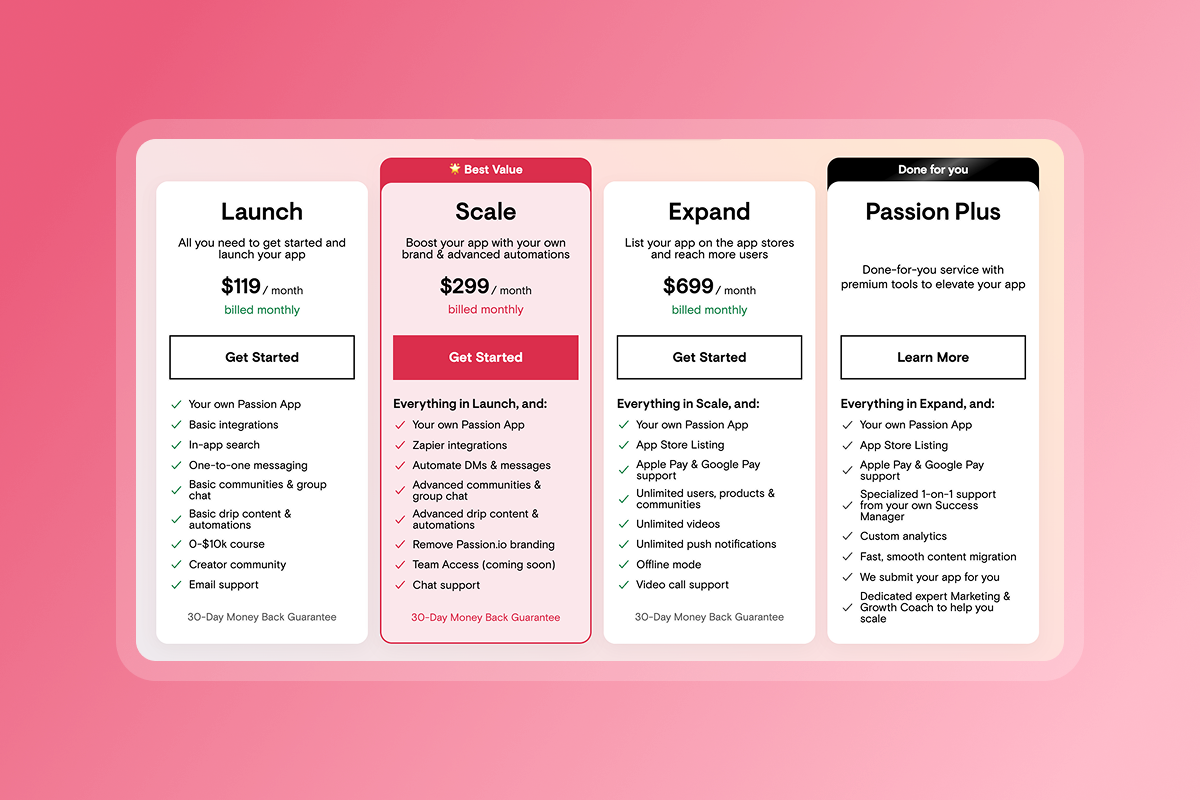
Stripe, which powers PassionPayments, is PCI-DSS Level 1 certified, the strictest compliance level, requiring annual audits by independent security assessors. Apple Pay and Google Pay use similar tokenization by design. Ask vendors: "Do you store payment data, or do you rely on certified processors?" The correct answer is the latter.
3. Regular penetration testing
Penetration testing involves authorized attempts to breach systems to identify vulnerabilities before attackers exploit them. The process includes five stages: planning and reconnaissance, scanning for weaknesses, attempting to gain access, maintaining access to test detection systems, and compiling results into a detailed report.
Professional platforms conduct these tests at least annually, often quarterly. The results identify specific vulnerabilities, assess the damage potential, and measure how long an attacker could remain undetected. Ask: "How often do you conduct penetration tests, and who performs them?" Look for third-party security firms, not just internal teams.
4. GDPR and CCPA data rights tools
GDPR requires platforms to support core data rights: access (users can request their data), rectification (users can correct inaccurate data), erasure (right to be forgotten), restriction (users can limit how data is used), portability (users can download data in a readable format), and objection (users can opt out of marketing).
CCPA provides similar protections: right to know what data is collected, right to delete, and right to non-discrimination when exercising these rights. Your platform should provide tools to export user data, delete accounts upon request, and document consent for data processing. Ask: "How do I export member data or process deletion requests?" If the answer involves emailing support with a two-week turnaround, the platform isn't ready for enterprise creators.
"I've been a Passion.io customer for a few years now. I'm very satisfied with the overall service." - Ray Bing The Runner on Trustpilot
5. Incident response protocols and notification timelines
No system is 100% breach-proof. The difference between responsible vendors and reckless ones is the response protocol.
GDPR mandates notification within 72 hours of becoming aware of a breach, and the notification must include reasons for any delay. Ask vendors: "What is your breach notification timeline?" and "Do you have a dedicated security team?" Document their answers before signing a contract.
A solid incident response plan includes immediate containment measures, forensic investigation to determine scope, notification to affected users and regulators, remediation steps, and post-incident security improvements. If a vendor can't walk you through their protocol in concrete terms, that's a red flag.
How to vet a white-label vendor's incident response protocols
Don't settle for "we take security seriously" in sales calls. Here are the specific questions that reveal a vendor's true preparedness:
"How quickly do you notify customers of a security incident?"
The answer should reference specific timelines, ideally matching or exceeding GDPR's 72-hour standard. If the vendor hesitates or gives vague assurances, that's a warning sign.
"Who owns security on your team, and what certifications do they hold?"
Look for dedicated security roles: Chief Information Security Officer (CISO), Security Operations Center (SOC) teams, or named security leads. Ask about team certifications like CISSP, CEH, or CISM. A company treating security as an afterthought won't have specialized staff.
"How do you manage third-party integration risks?"
43% of WordPress vulnerabilities require no authentication to exploit, meaning attackers can compromise sites without logging in. If your app builder relies heavily on third-party plugins or integrations, ask how they vet those tools, monitor for vulnerabilities, and push updates. Passion.io integrates with established providers like Stripe, Calendly, and YouTube, reducing reliance on unvetted plugins.
"What happens if your primary hosting provider experiences an outage?"
Ask about redundancy, backup systems, and recovery time objectives (RTO). Platforms hosted on major cloud providers like AWS benefit from built-in redundancy across multiple data centers, but the vendor should still articulate their continuity plan.
"Can I see a sample incident response report?"
Mature vendors document past incidents (even minor ones) and share anonymized learnings. If they claim "we've never had an incident," they're either lying or they haven't been around long enough to matter.
"Passion.io have been so supportive in helping me develop my App, the training, customer support (especially Hope) have been second to none!" - Karen on Trustpilot
Protecting your users: A security checklist for app owners
Platform security is necessary but insufficient. You must actively secure your side of the shared responsibility model. Here's your action checklist:
1. Enable two-factor authentication everywhere
Turn on 2FA for your platform login, payment gateway accounts, email, and any admin accounts. Use authenticator apps like Authy or Google Authenticator rather than SMS, which can be intercepted. Stolen credentials contributed to 24% of breaches, and 2FA blocks most credential-based attacks.
2. Implement least privilege access control
Don't give "Admin" access to temporary contractors or virtual assistants who only need content upload permissions. Review your team access quarterly and revoke permissions immediately when staff leave. Document who has access to what systems: this audit trail is critical if an incident occurs.
3. Use unique, complex passwords
Never reuse passwords across services. Use a password manager like 1Password or Bitwarden to generate and store unique credentials for every tool. Update your password regularly and force password resets if you suspect compromise.
4. Audit your integrations monthly
If you connect your app to Zapier automations or third-party tools, review those connections quarterly. Disable unused integrations and verify that each connection still serves a business purpose. Third-party access points are common attack vectors.
5. Educate your community about password hygiene
Send periodic reminders to members about creating strong passwords and avoiding password reuse. Include security tips in your onboarding sequence. Your brand suffers if a member's account gets compromised, even if the breach originated on a different platform.
6. Monitor for unusual activity
Set up alerts for login attempts from new locations, bulk data exports, or unusual admin actions. Most platforms provide activity logs. Review them weekly during your first three months, then monthly once operations stabilize.
"Passion does a great job with supporting their clients to succeed, even after purchasing their product." - Jesse Wiens Chu on Trustpilot
How Passion.io secures your branded app and data
Passion.io implements security at multiple layers, combining platform infrastructure with creator-controlled access management.
Cloud infrastructure and hosting
Passion.io hosts on AWS, one of the three largest public cloud providers, which maintains physical security of data centers, environmental controls, and network infrastructure. This hosting arrangement provides 24/7 infrastructure monitoring, automatic security updates for the underlying platform, and geographic redundancy across multiple data centers.
Payment processing and tokenization
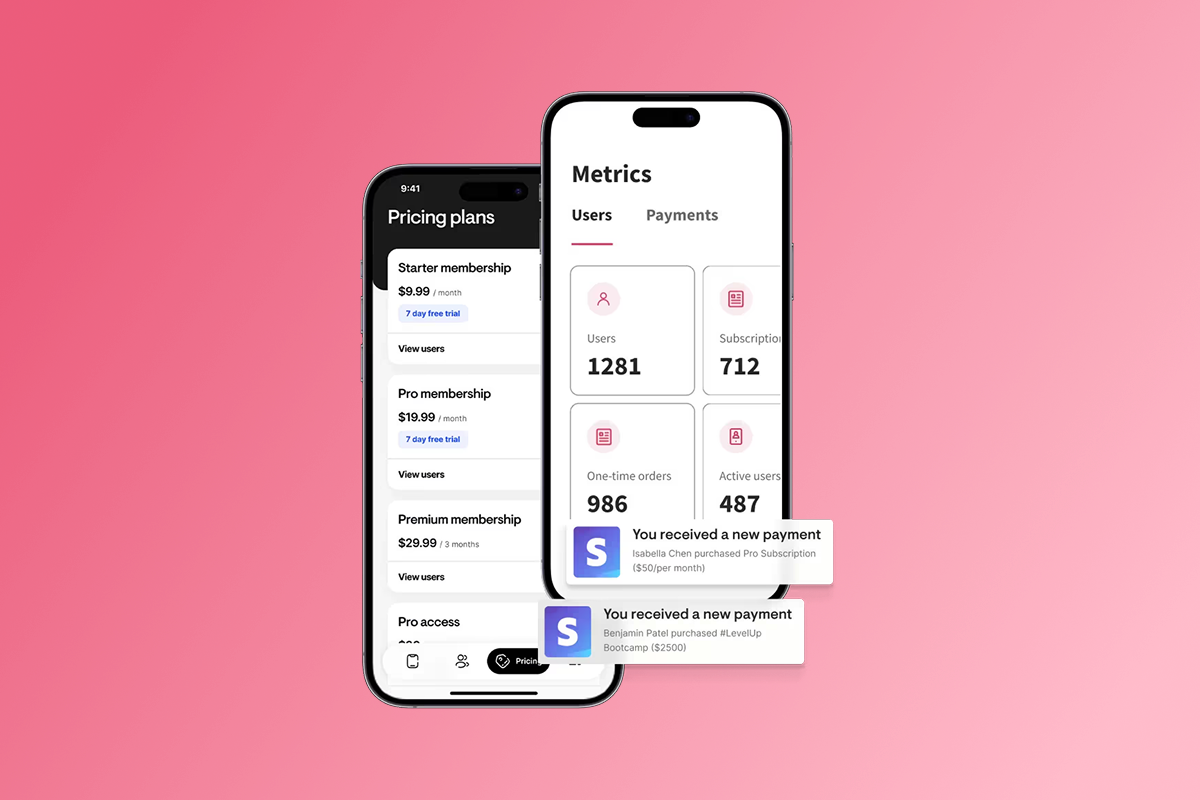
PassionPayments relies on Stripe, which handles all payment data encryption and storage. Passion.io never touches raw credit card numbers. For in-app purchases on iOS and Android, Apple and Google process payments directly, using their own PCI-DSS compliant systems. This design minimizes your exposure as a creator: you collect subscription revenue without the liability of storing payment credentials.
Data ownership and export tools
You own your member data. Passion.io provides export functionality so you can download user lists, content, and community activity. If a member requests data deletion under GDPR or CCPA, you can process that request through your admin dashboard without waiting for support tickets.
App store security reviews
Every app submitted to Apple's App Store and Google Play undergoes security review. Apple and Google scan for malware, verify encryption practices, check permission requests, and validate data handling policies. This review process adds an external layer of scrutiny beyond the platform's internal testing.
Access control and team management
Passion.io allows you to grant granular permissions to team members, separating content creators from admin roles, and maintain an audit log of who changed what settings. This team management functionality lets you implement least privilege access without technical complexity.
Community and support resources
Passion.io provides onboarding training that covers security best practices alongside platform features. Customer support teams can help you configure access controls, troubleshoot integration security, and answer specific questions about Apple and Google developer account security.
What you still need to do
Even with these platform protections, you must enable 2FA on your Passion.io account, manage team access carefully, use strong unique passwords, and monitor your admin activity logs. Security is a partnership: Passion.io secures the infrastructure and payment processing, you secure account access and data usage decisions.
For a complete walkthrough of platform features and security settings, watch this Passion.io platform overview.
What's Next?
Your branded app represents years of work building content, community, and trust. Protecting that asset requires understanding the security standards your platform must meet and the actions you must take daily. The Shared Responsibility Model isn't about shifting blame: it's about clarity. Your vendor secures the infrastructure, you secure the access.
Start by auditing your current security posture today. Turn on 2FA everywhere, review who has admin access to your accounts, and document your password management system. Then evaluate your platform vendor against the five critical standards: encryption protocols, payment tokenization, penetration testing, GDPR tools, and incident response plans.
Ready to launch a secure, branded app without managing server infrastructure? Explore Passion.io's platform features or book a demo to see how the security model works in practice. With a 30-day money-back guarantee included.
Frequently asked questions about app security
Is my white-label app GDPR compliant?
Passion.io provides tools for GDPR compliance including data export and deletion, but you act as the data controller responsible for obtaining user consent and processing requests.
Does Passion.io store my customers' credit card numbers?
No. All payments process via Stripe (PassionPayments), Apple Pay, or Google Pay, which use PCI-DSS Level 1 encryption and tokenization.
Can I use two-factor authentication with Passion.io?
Enable 2FA on all connected accounts including email, Stripe, and your platform login using authenticator apps for maximum security.
How long does Apple App Store security review take?
Apple reviews typically take 1-3 weeks for initial submissions, with faster turnaround for updates once approved.
What happens if I need to delete a user's data?
Use the admin dashboard to export their data and remove their account, documenting the request to demonstrate GDPR compliance if audited.
How do I control which team members can access sensitive settings?
Passion.io provides role-based permissions so you can separate content upload access from billing, integration, and member management privileges.
Key security terms for creators
Encryption at rest: The practice of encrypting data like videos, user profiles, and lesson content when stored on servers, making it unreadable without a decryption key using algorithms like AES-256.
Tokenization: Replacing sensitive data such as credit card numbers with unique identification symbols that retain transaction functionality without exposing the actual credentials.
Shared Responsibility Model: A security framework where the platform secures infrastructure, payments, and software updates while the creator secures account access, team permissions, and data usage decisions.
PCI-DSS Level 1: The highest payment card security certification requiring annual audits by independent assessors, covering processors handling more than 6 million transactions annually.
Two-Factor Authentication (2FA): A security method requiring two verification steps to access an account, typically a password plus a code from an authenticator app or SMS message.